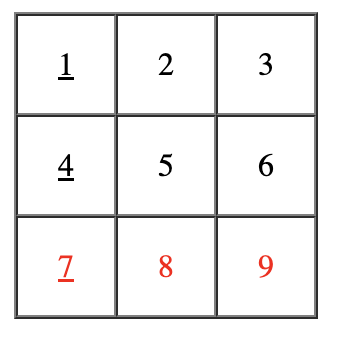
- collection — a list of products;
- number of table columns.
- Index: the index number of the table row (starting with 1);
- IsFirst: whether a given row is the first;
- IsLast: whether a given row is the last;
- ValueCount: the quantity of non-empty cells in the row. For example, if you try to add a list of 8 line items to a 5-column table, the relevant ValueCount will equal 5 for the first row and 3 for the second one because the second row will have some empty cells.
- Cells: the list of cells in the row.The number of cells is always equal to the number specified in the TableRows variable even if there are less values in this variable.Every cell has the following properties:* Index: the index number of the table column (starting with 1);* IsFirst: whether the column is the first;* IsLast:whether the column is the last;* Value: a relevant list element. This field may be empty.
Please note: The Value property of a given cell can be empty (null) if the quantity of elements of the TableRows variable can be divided by the quantity of cells with a remainder only. Therefore you’ll need to check whether this Value is null if you cannot ensure the appropriate quantity of elements. An email may fail to be sent if there is an empty cell.
Example:
Example 1:
Layout: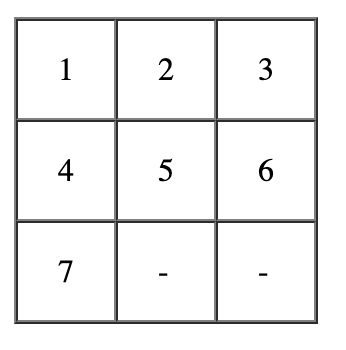
Example 2:
Layout: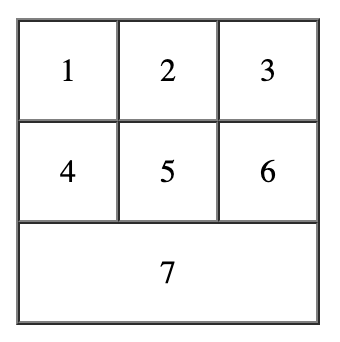
Example 3:
Layout: