

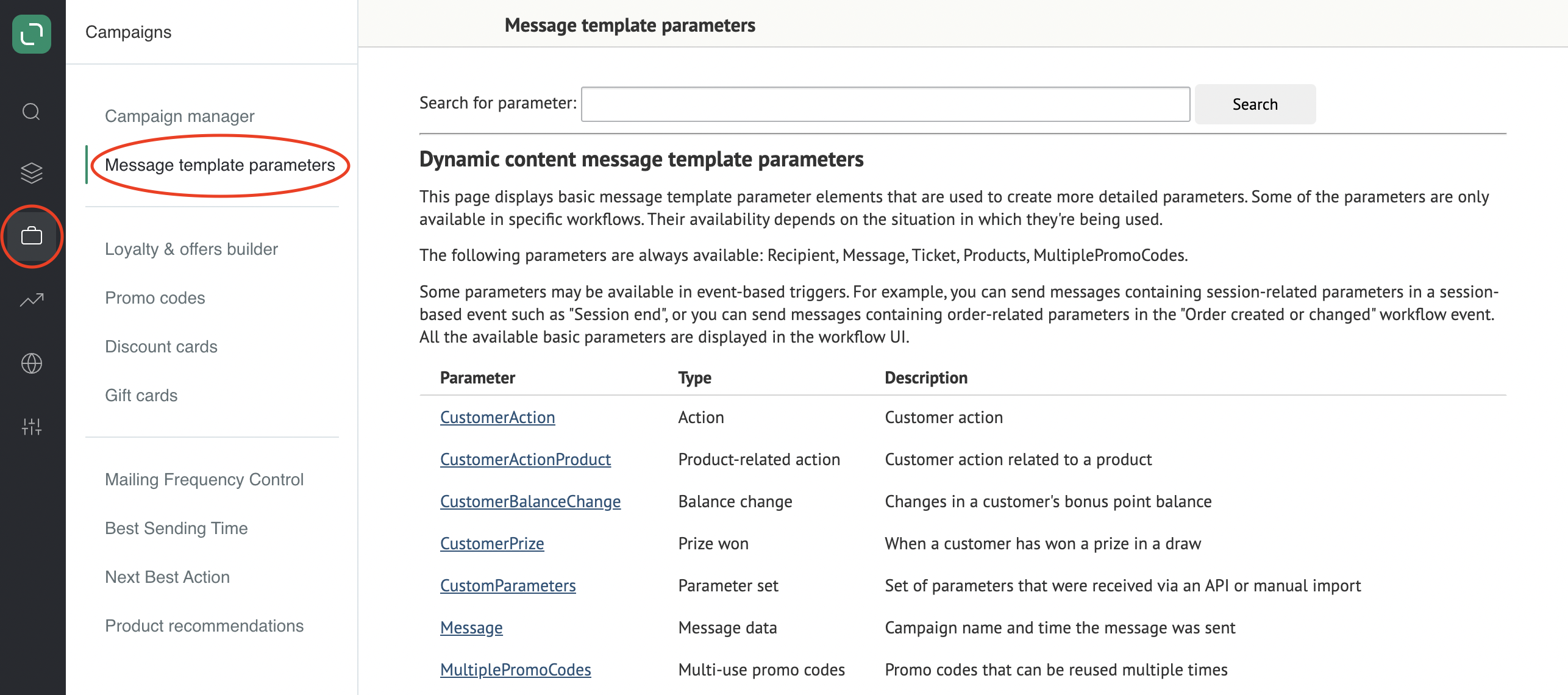
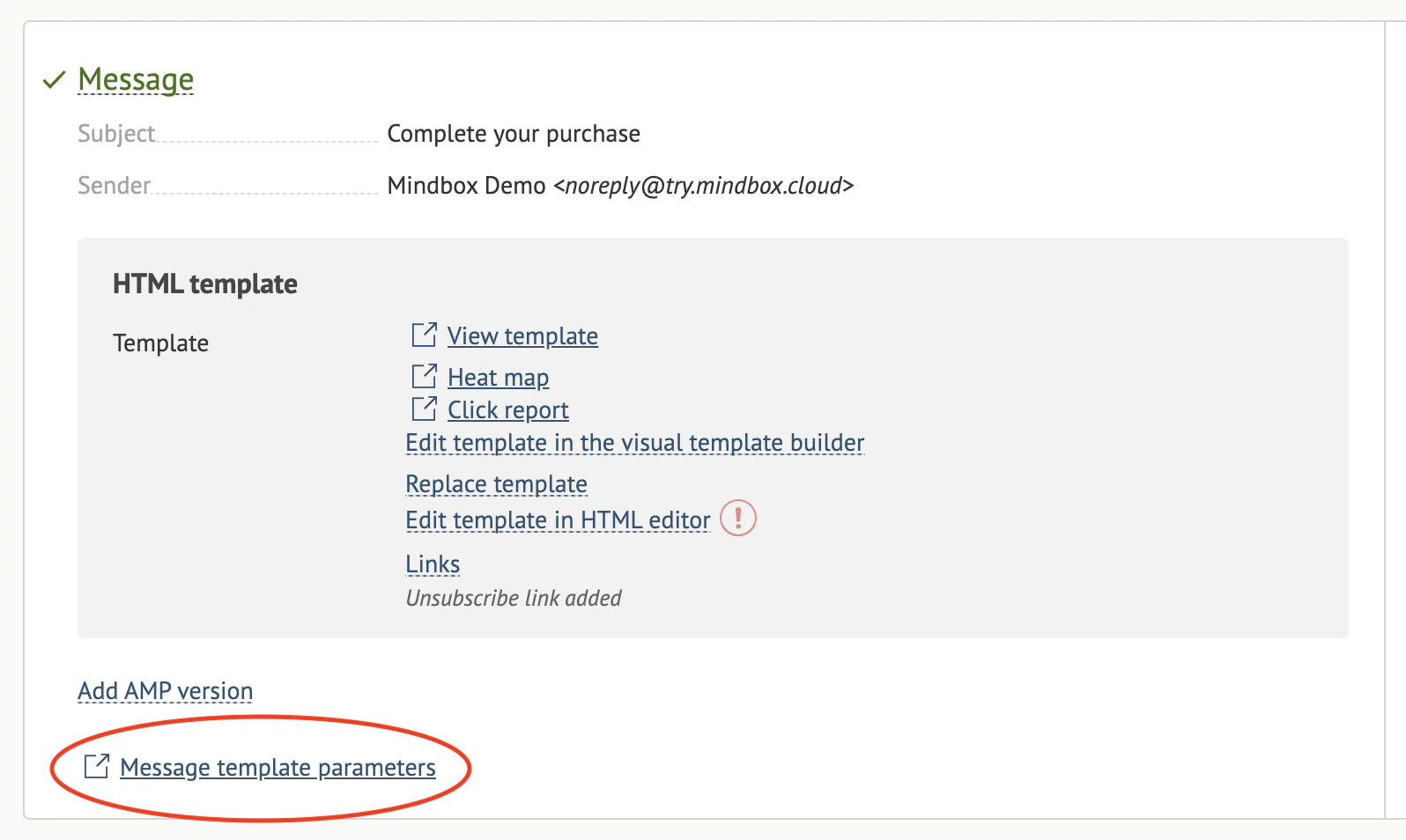
Details Available in the Variables Section
Name
This is compiled by joining all the names end-to-end, with the target variable name at the end. For instance, to display the custom field Favorite color: choose the base parameter (Recipient), then a group of custom fields (AdditionalData), and only then the name of this custom field (which is Color in our case). The final variable name will include all these names joined by dots: Recipient.AdditionalData.Color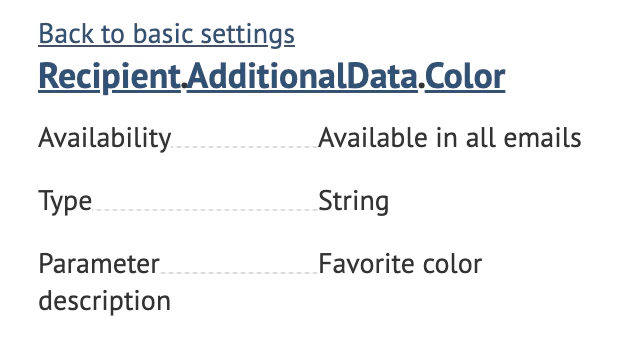
Type
Data types can be grouped into two categories:- Primitive:* String* Date & time* Number* Integer* Decimal* Boolean
- Composit:* Aggregate
Description
A short description for your variable to help you better understand what it refers to.Accessibility
There are variables that depend on events. These are not simply customer details. Instead, these variables deal with details of a specific action, order, or website session. Variables like this can only be used in custom automated campaigns that are launched after a specified triggering event. Example:
What Operators are Available
Operators that are available to handle given data depend on the type of this data.- Logical connectives **(and, or)**Available with all primitive data types
- Arithmetic operators: Addition (+), Subtraction (-), Multiplication (*), Division **(/)**Available with all numbers
- Concatenation operator **(&)**Available with all primitive data types
- Comparison operators **(<, >)**Available with all numbers
- Equality operators (=, !=)