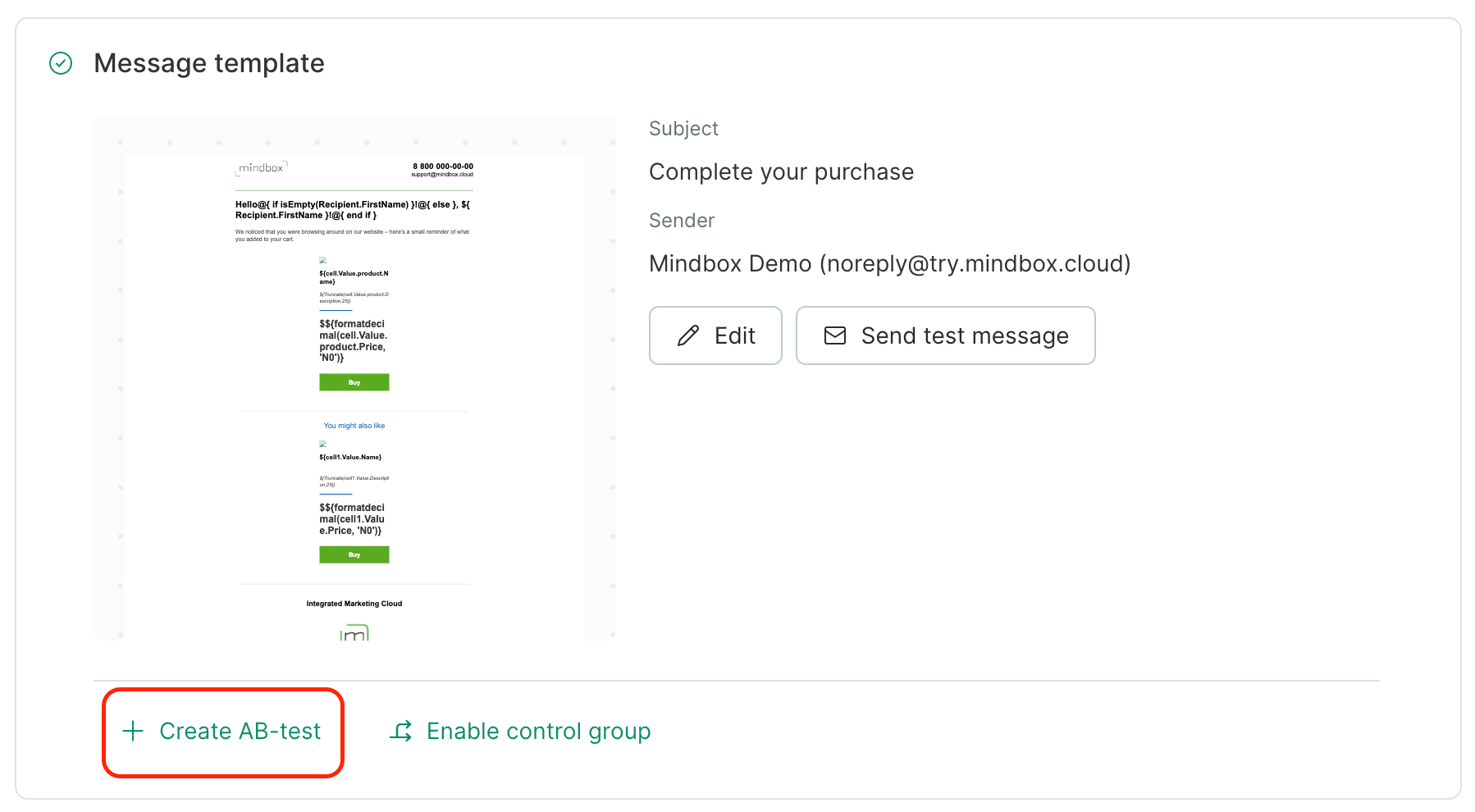
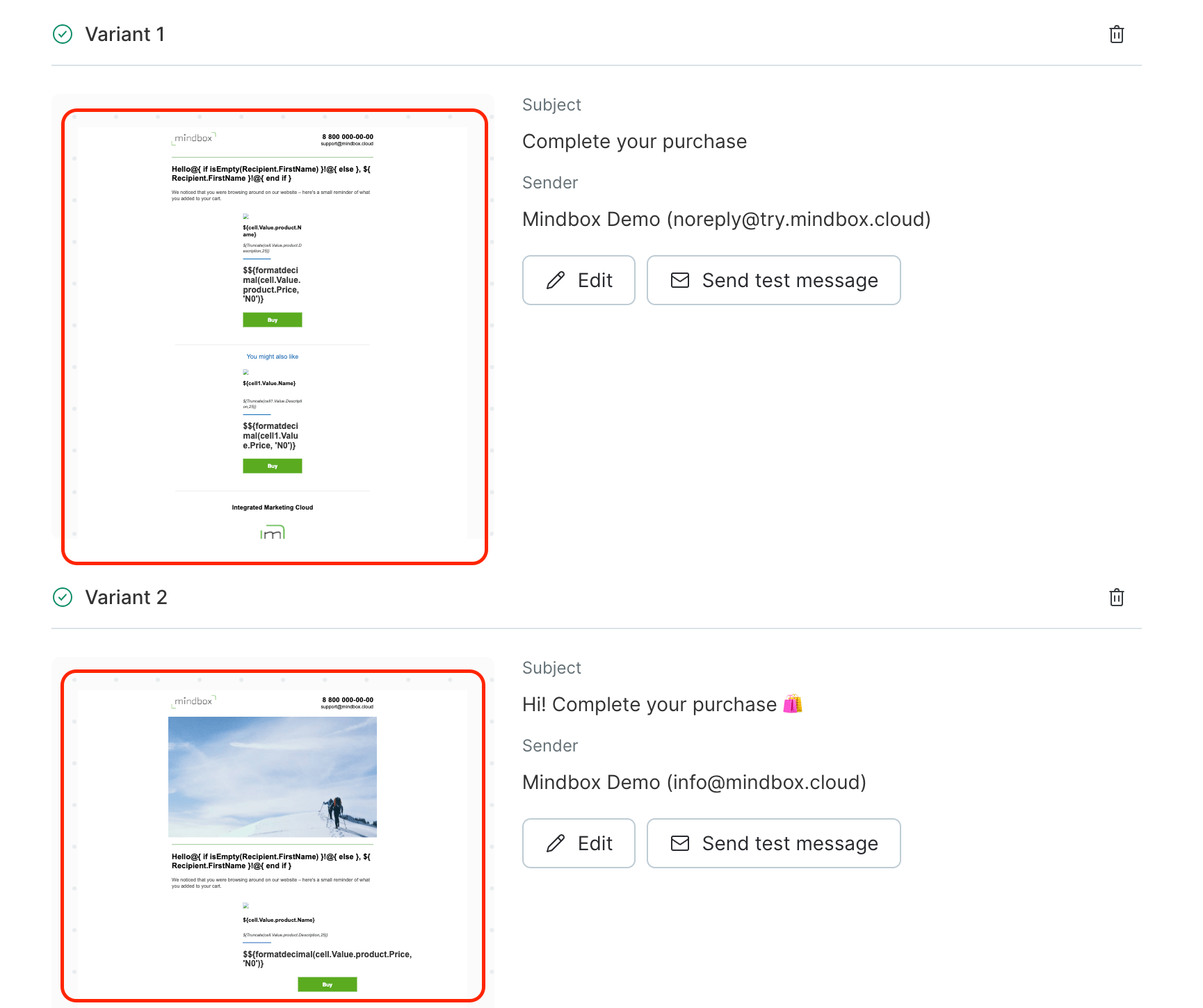
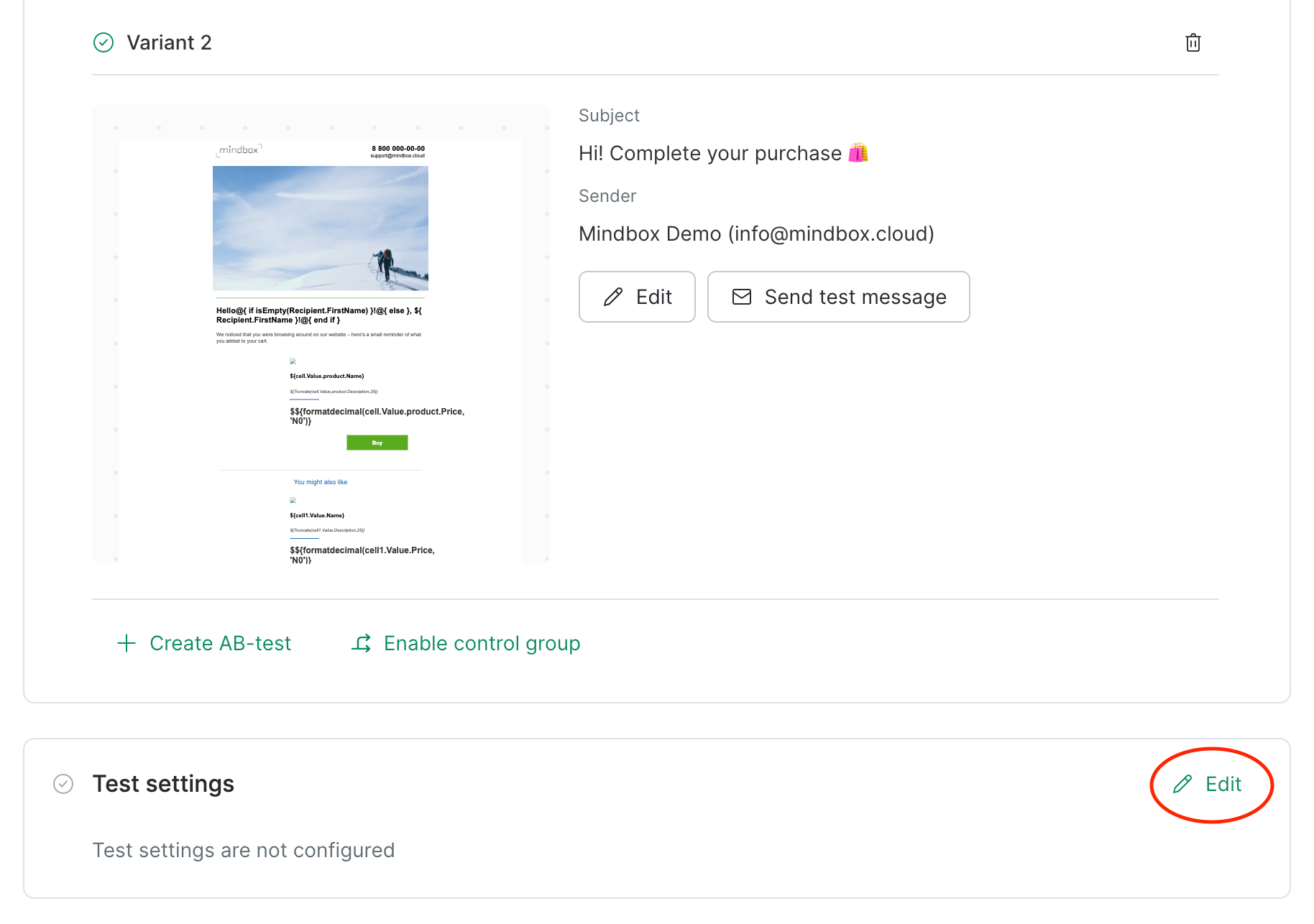
- Go to the Campaign panel to enter a Subject and Sender and select a Template. After this, click “Create A/B test”:
- For a bulk campaign, select your Recipients.
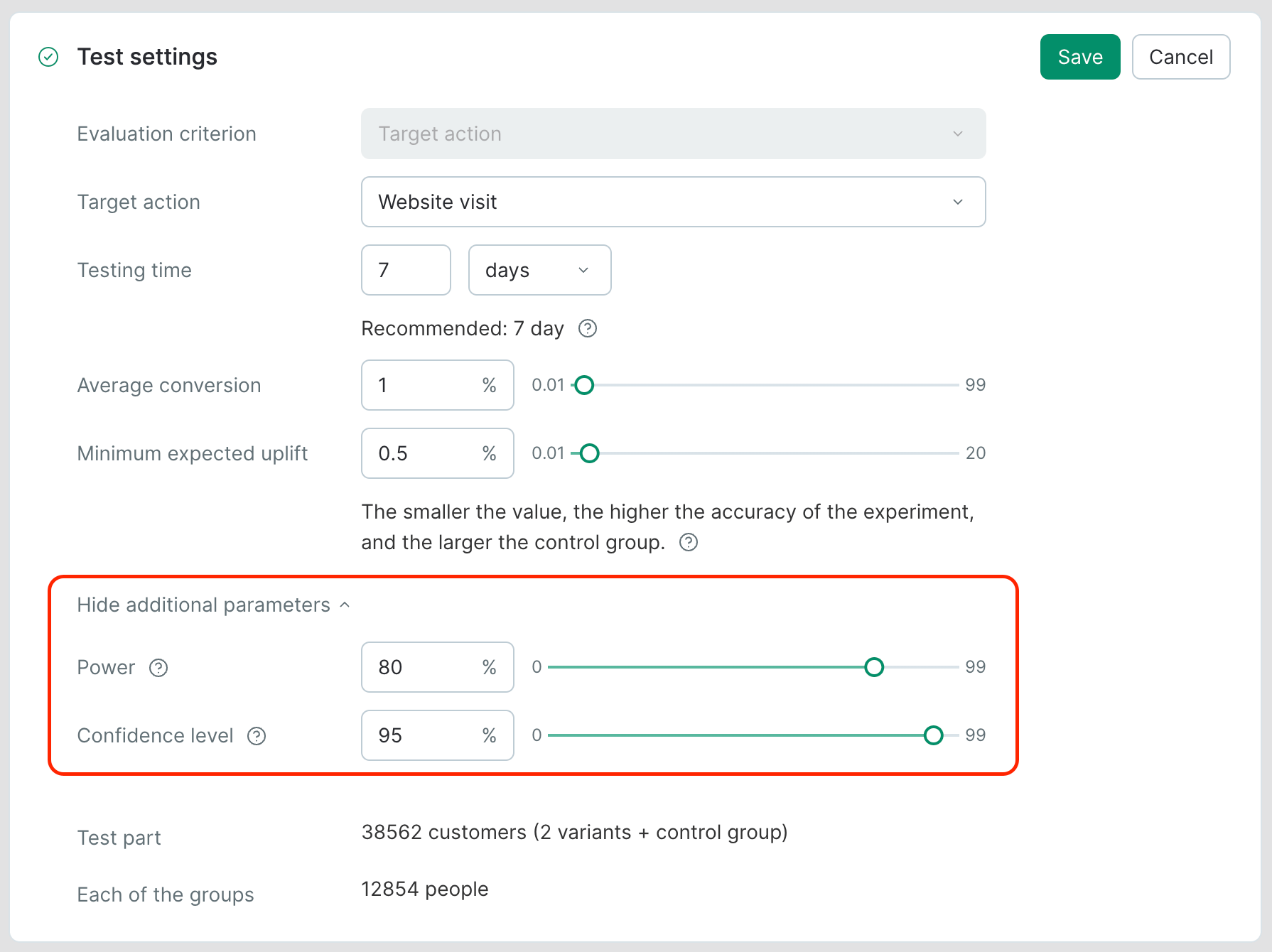
- Configure Test settings:
A/B test settings
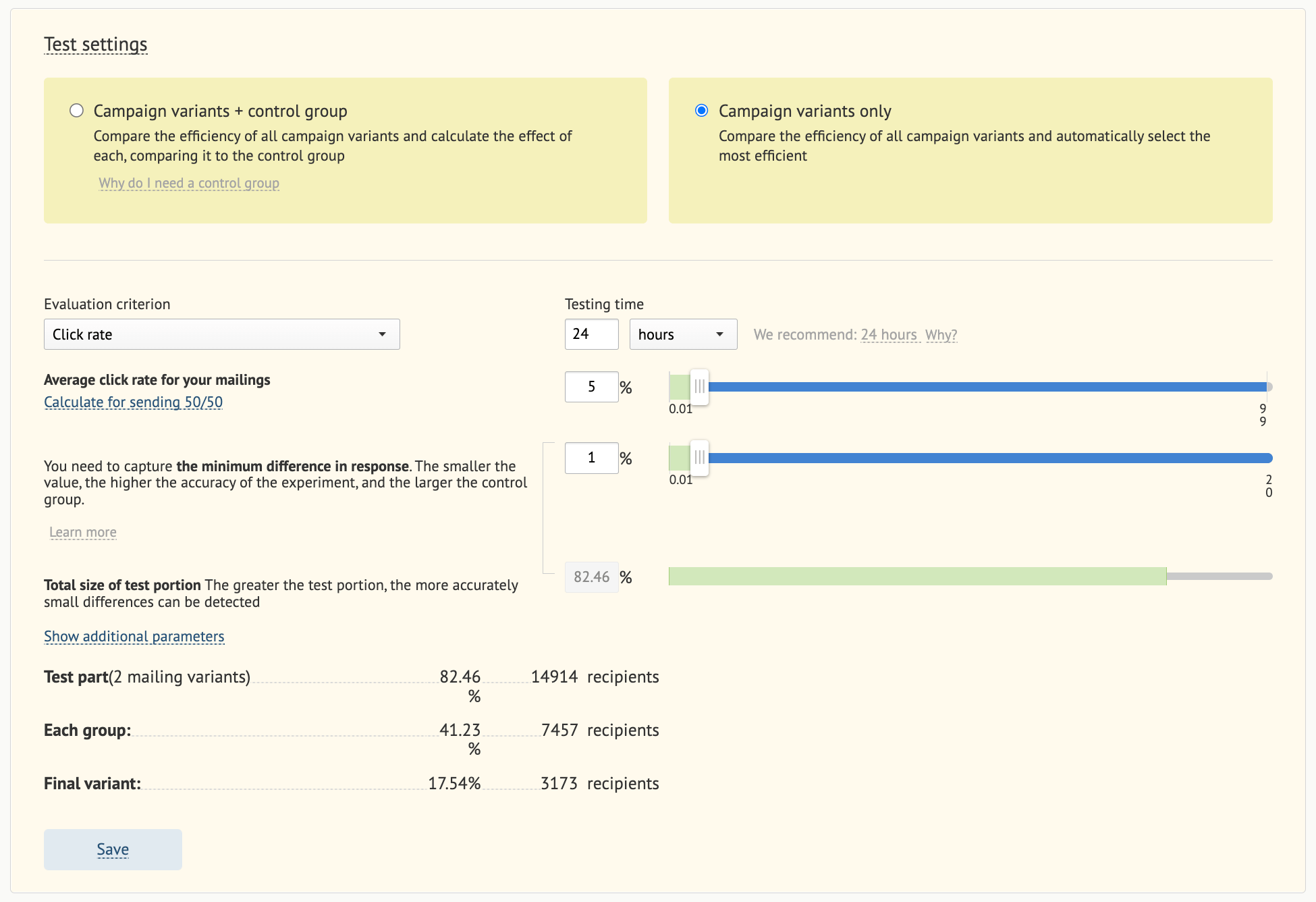
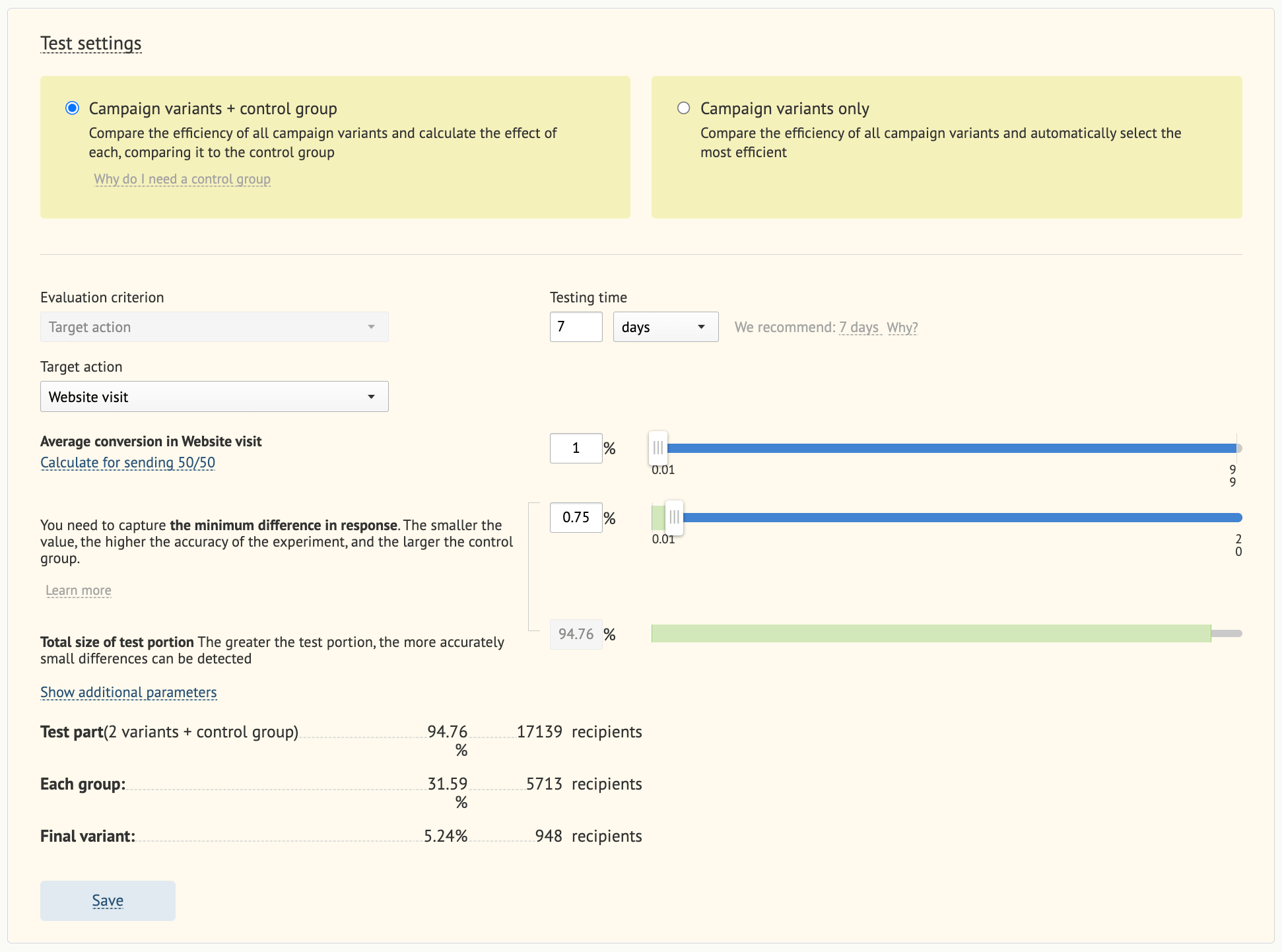
There are 2 ways to run tests:- Campaign variations + a control group.
- Campaign variations only.
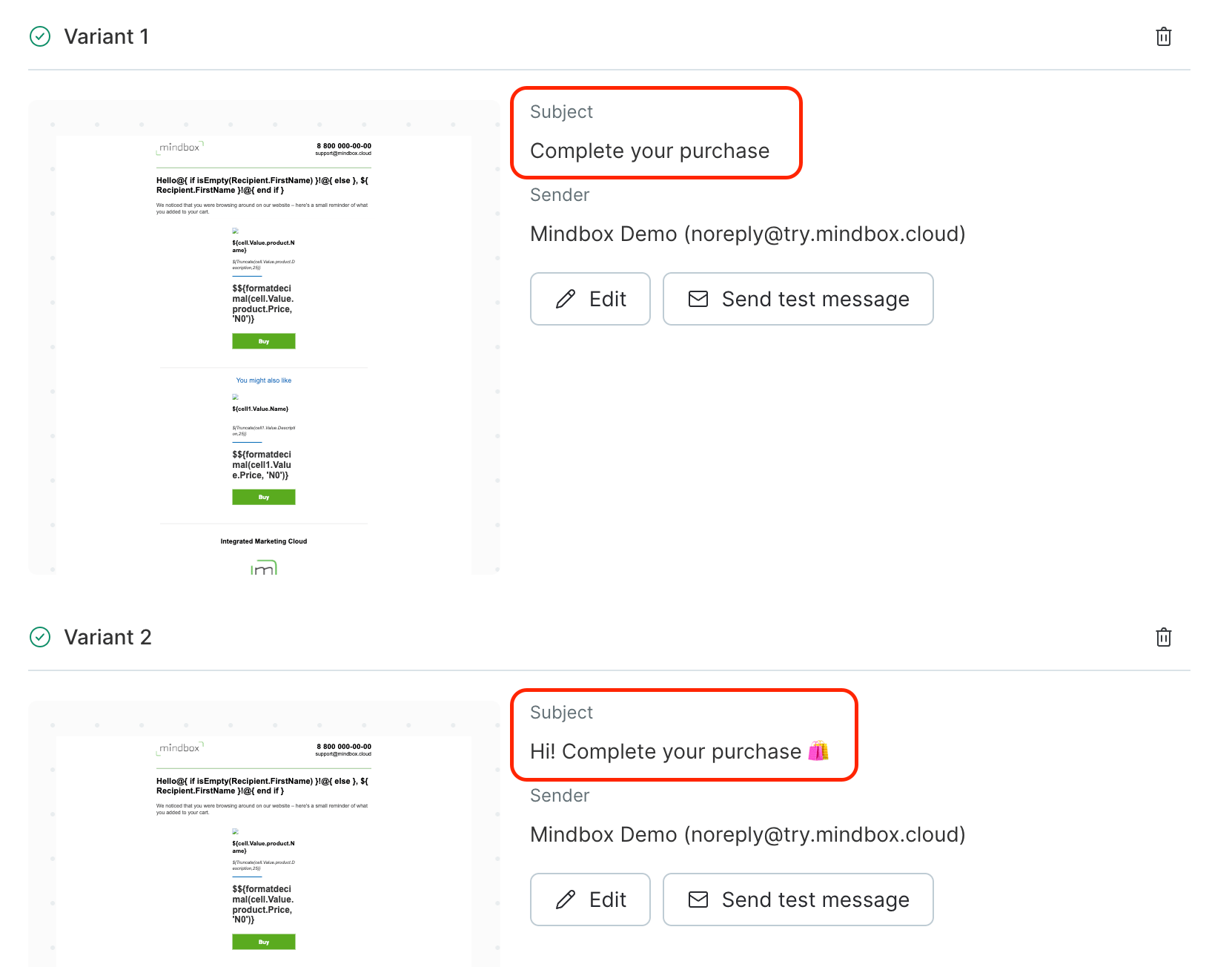
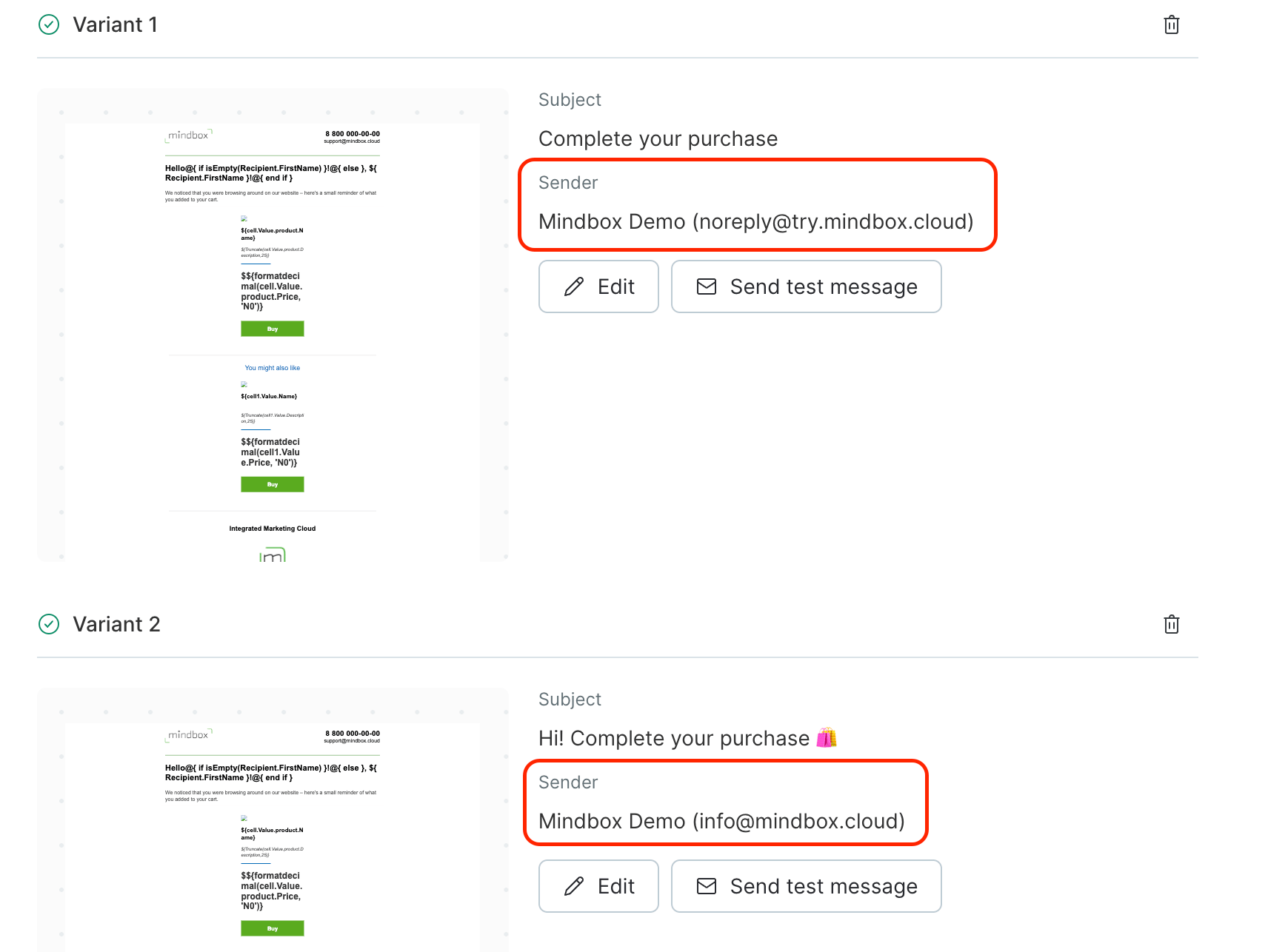
- To test the Subject or Sender, select the Open rate as your criterion.
- To test the Template, select the Click rate or Target action (e.g. order placement) as your criterion.
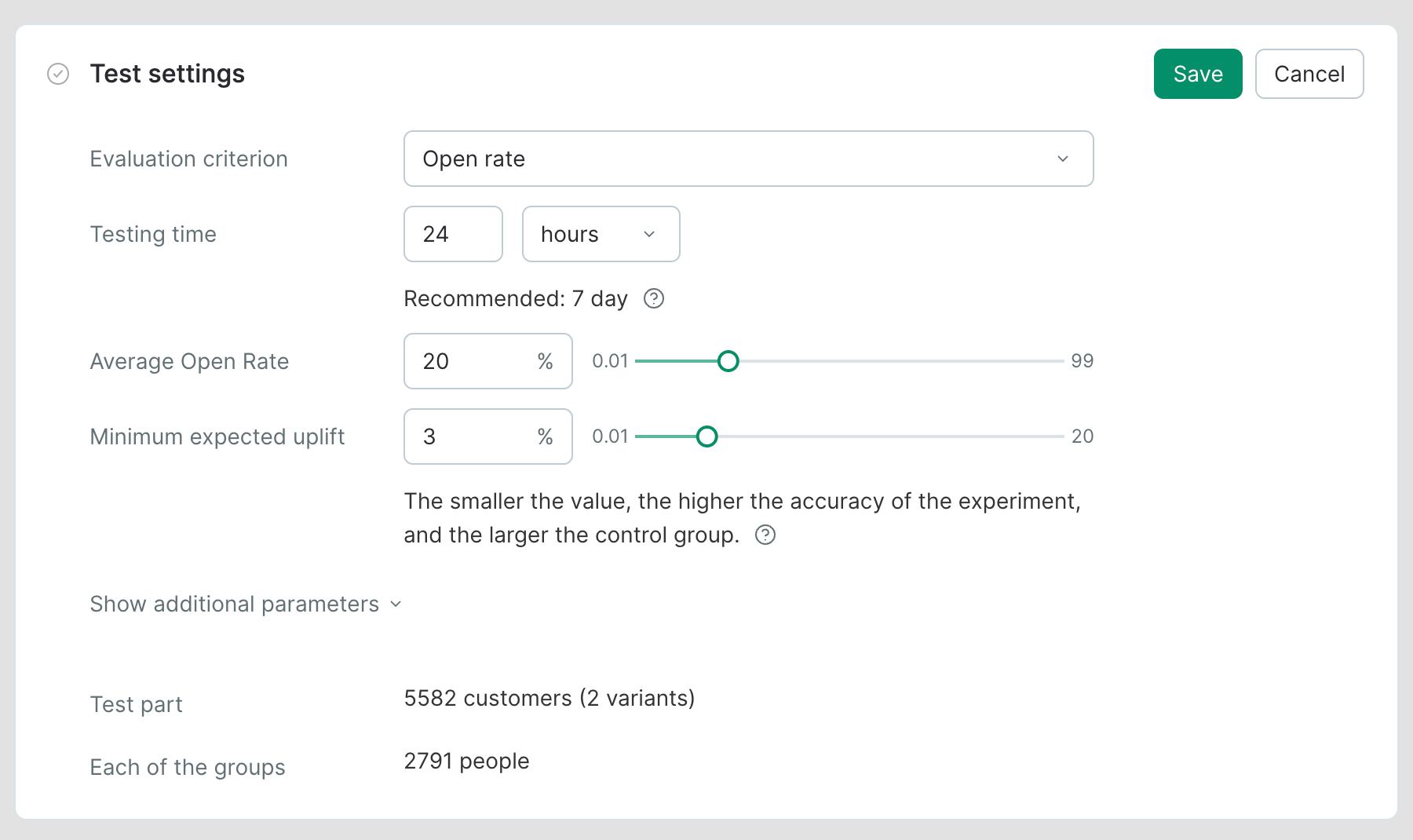
Bulk campaign without a control group: test settings
Bulk campaign with a control group: test settings
Automated campaign without a control group: test settings
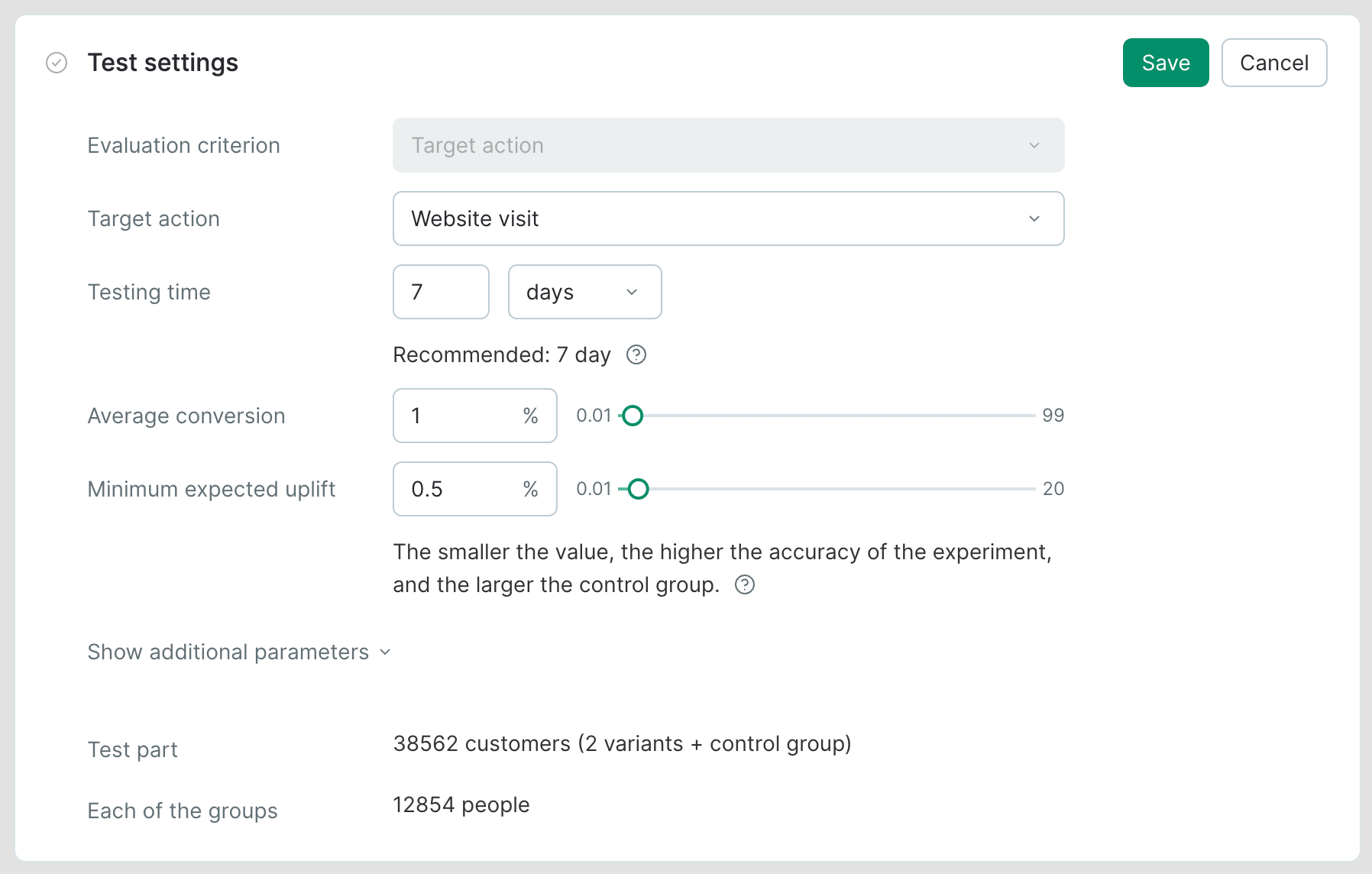
Automated campaign with a control group: test settings
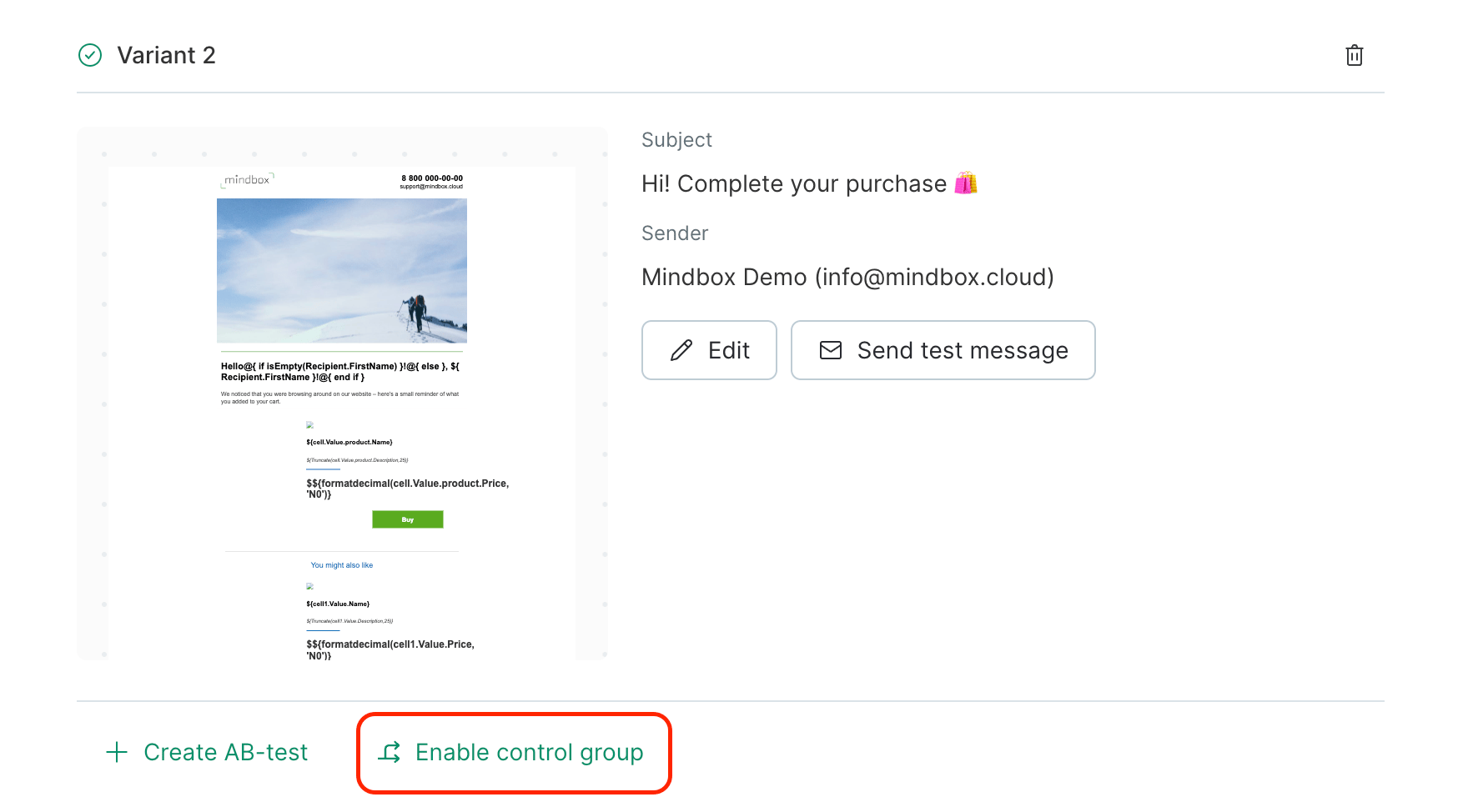
- Click “Enable control group”:
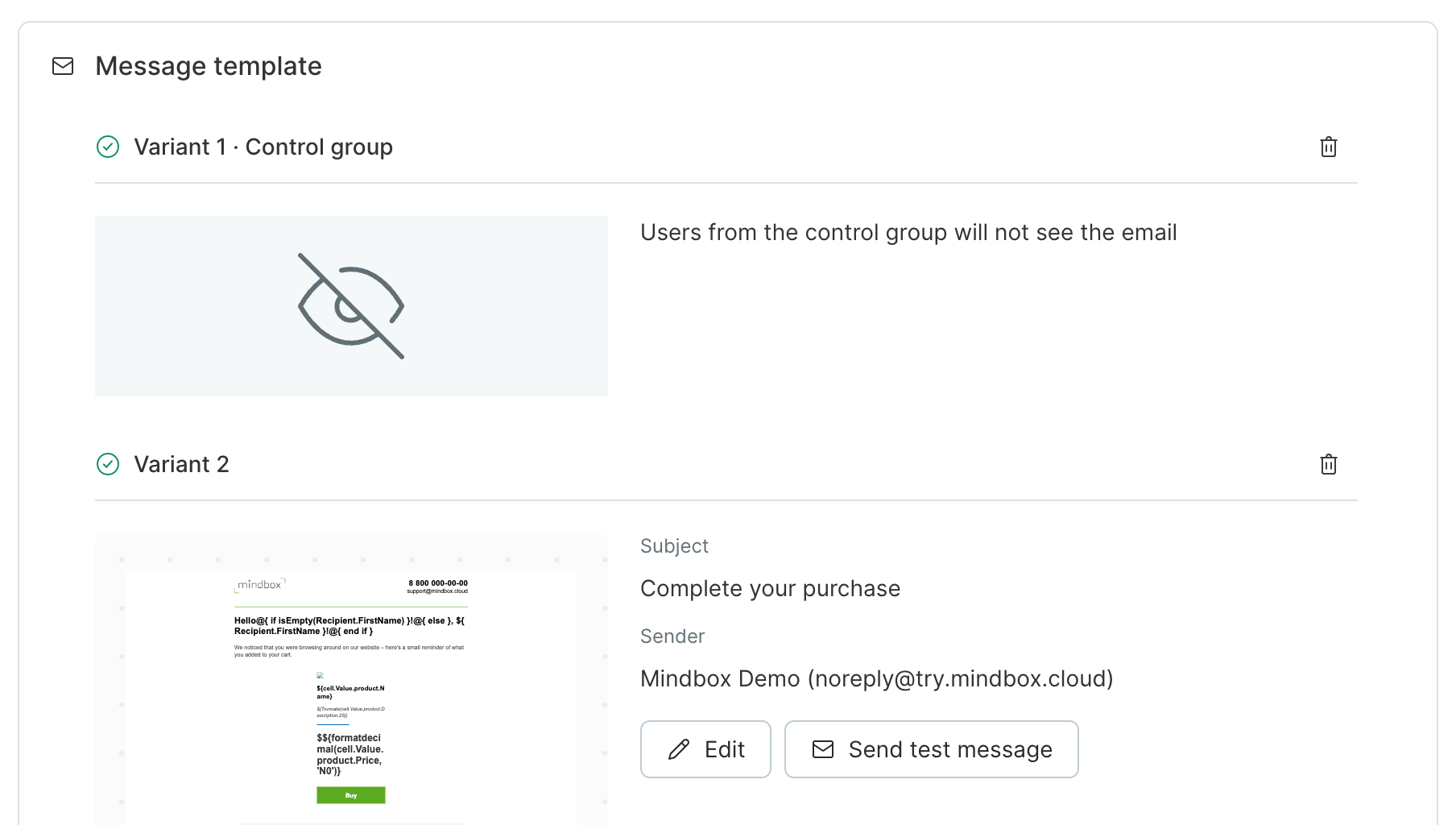
- Variant 1 will appear in Message template area:
- Choose a Target action and other settings:
You can also view additional parameters: