What data can you export?
With the integration, you can access your project data instantly. Read large data volumes fast and securely! Data for the following entities are available for export :- Balance changes events;
- Bonus Promoactions;
- The relationship between point redemptions and accruals;
- Points Balances;
- Orders and order items;
- Order Line statuses;
- Touchpoints;
- Campaigns;
- Subscription topics;
- Tags;
- Tags in campaigns;
- Folders;
- Campaign engagement;
- Customer merges;
- A/B tests;
- A/B test variants;
- A/B test participants;
- Segmentations and segments;
- Customer segment history;
- External customer IDs history;
- Custom fields
Integration specifics and limitations
- You can create no more than one integration.
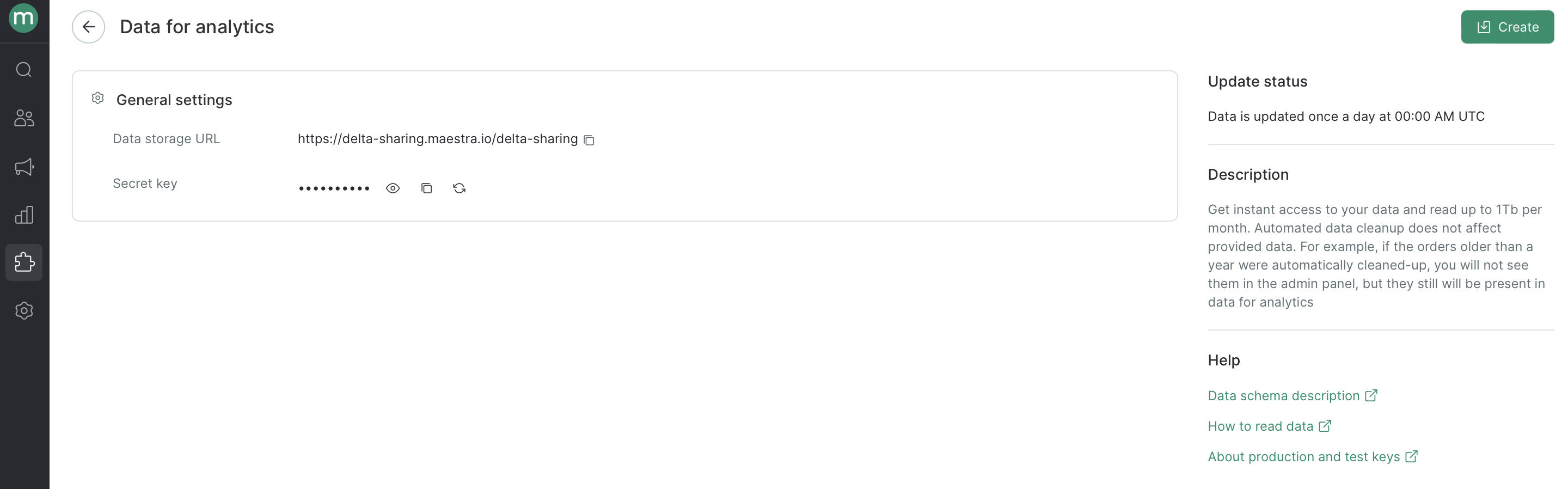
- Analytics data are refreshed daily. Covers all changes up to midnight UTC; available by 04:00 UTC.
- Analytics data contain auto deleted data but no manually deleted data.
- Analytics data are 99% accurate. This means that at least 99% of the data you see on the Maestra admin dashboard are available for export.
How to create an integration
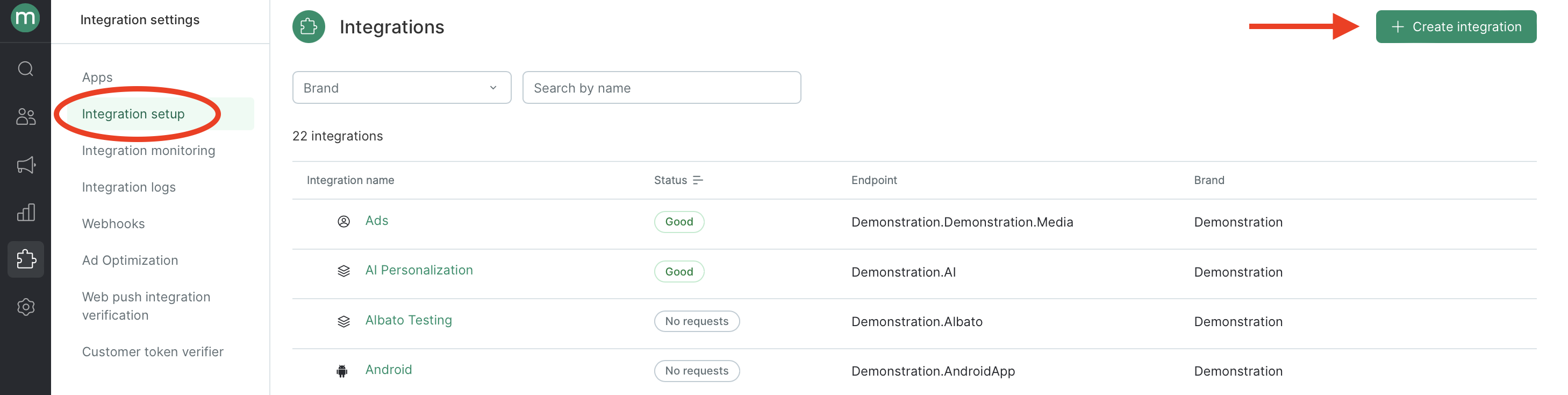
To create a new endpoint, go to the Integrations section and click “Create Integration”: