

- If you need to send an email where messages lack certain values/parameters that are not yet available in the system: e.g., a promo code (one-time code) or another custom parameter.
- If you need to send an email to addresses that are listed in a specific file.
Please note that
— if a customer’s email is not in the database, this customer will be imported with a “subscribed” status;— if a customer’s subscription data is missing, the customer will be “subscribed”;— if the email campaign in question belongs to specific topic, the customer will be subscribed to this topic only (instead of the email channel as a whole);— if a customer has unsubscribed, they will not receive the email(s);— if the file contains 2 or more duplicate emails, the message will be sent two or more times;— if the user that creates this email does not have permission to import new customers, the messages will only be sent to customers that are already in the database. New customers listed in the file will not be imported and the messages will not be sent to them.
— please note that the new customers will not be imported even if you have extended permissions when you copy the email created by a user without the permission to add new customers. To import them, you will have to create the email from scratch.
Steps
1. Follow this guide to create an email.
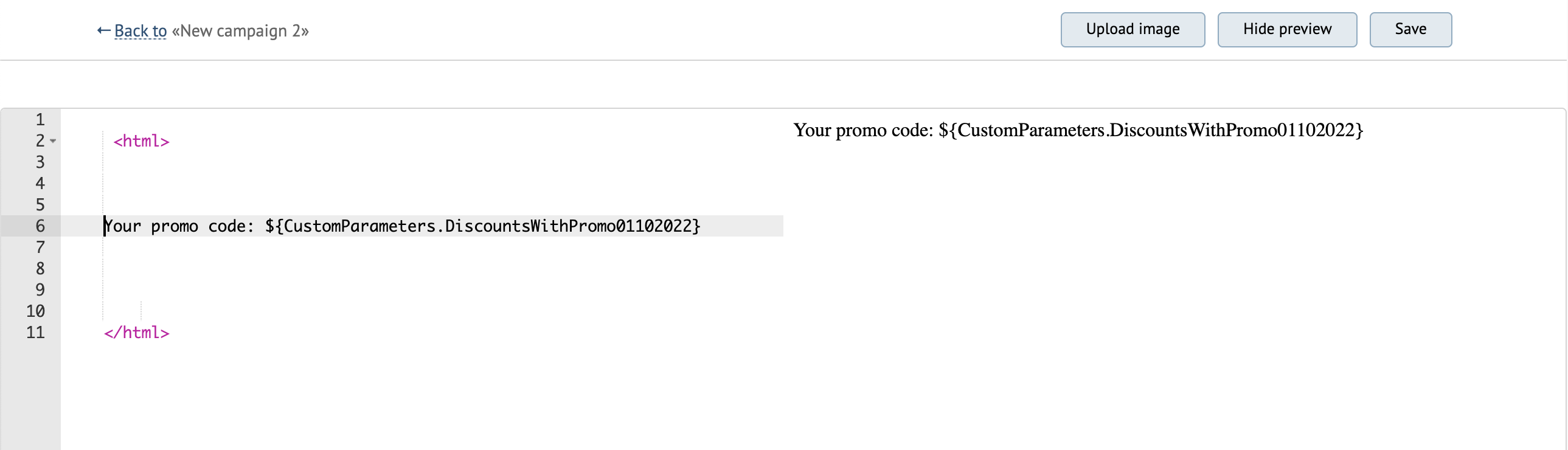
2. Insert your parameter into the email layout.
This step allows you to input a parameter that is not yet available in the system into the email: e. g., a one-time promo code.

3. Select the recipients.
Click Recipients → Manual import:
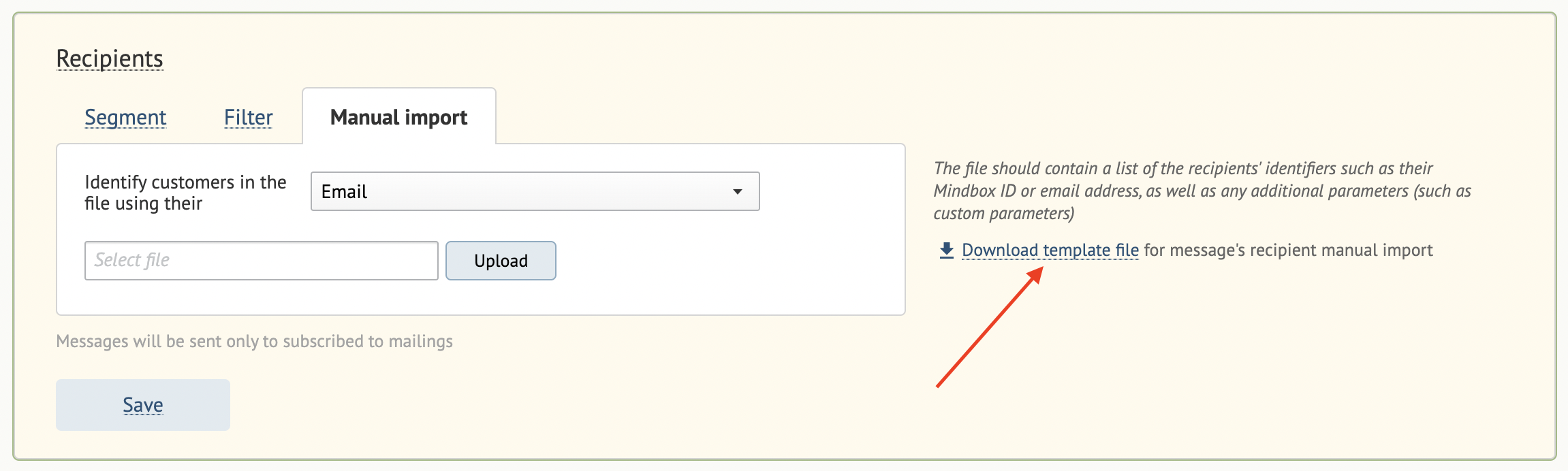

3.3. Upload the file:
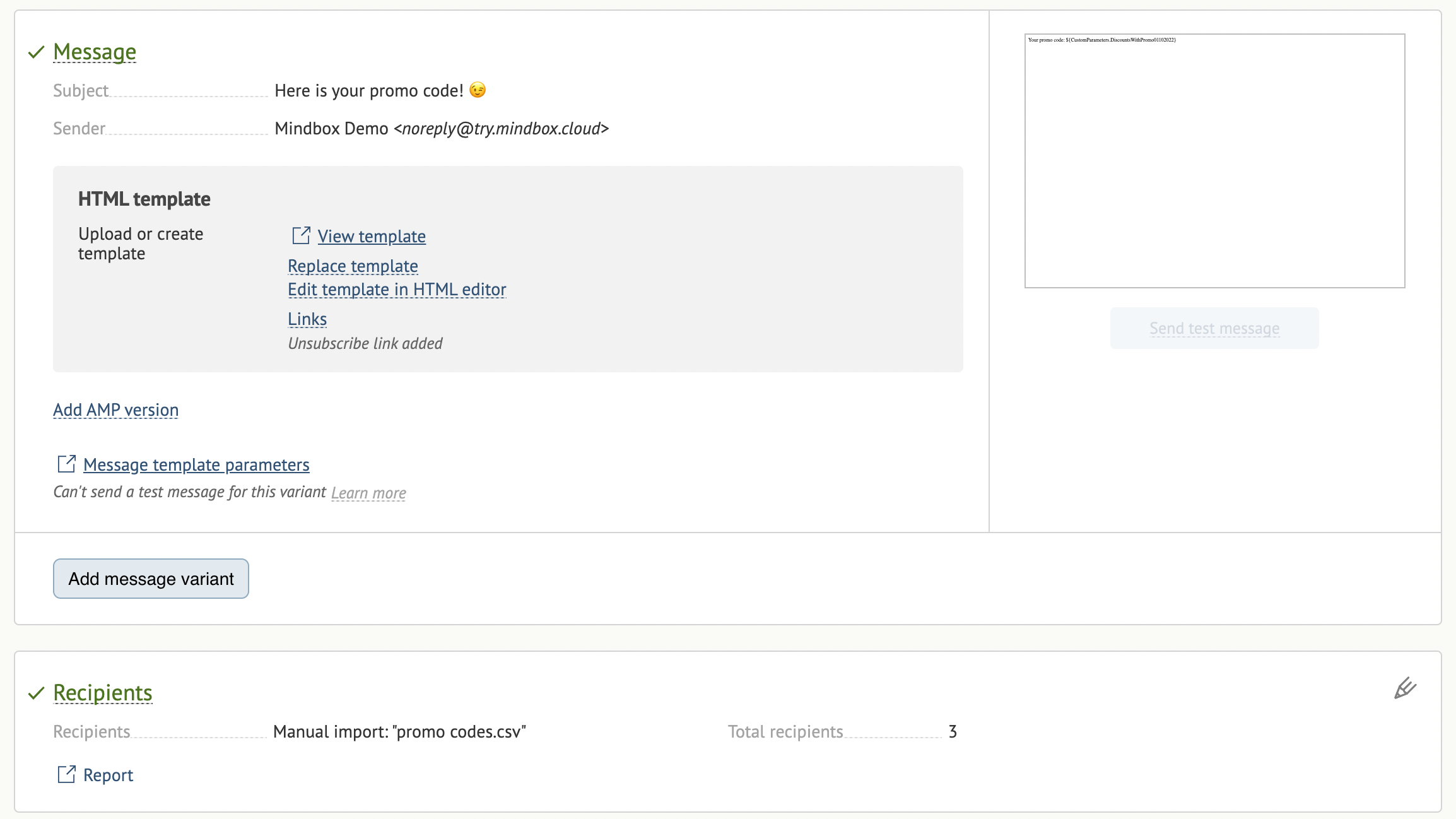
How to test your message
- Create a file with a list of test emails.
- Assign test values of your unique parameter to the test emails.
- Upload the file into your email.
- Send a real email based on the test file.
- Check to see that everything works correctly.
- Duplicate your email.
- Upload the list of real recipients.
- Send the duplicated email to your recipients.