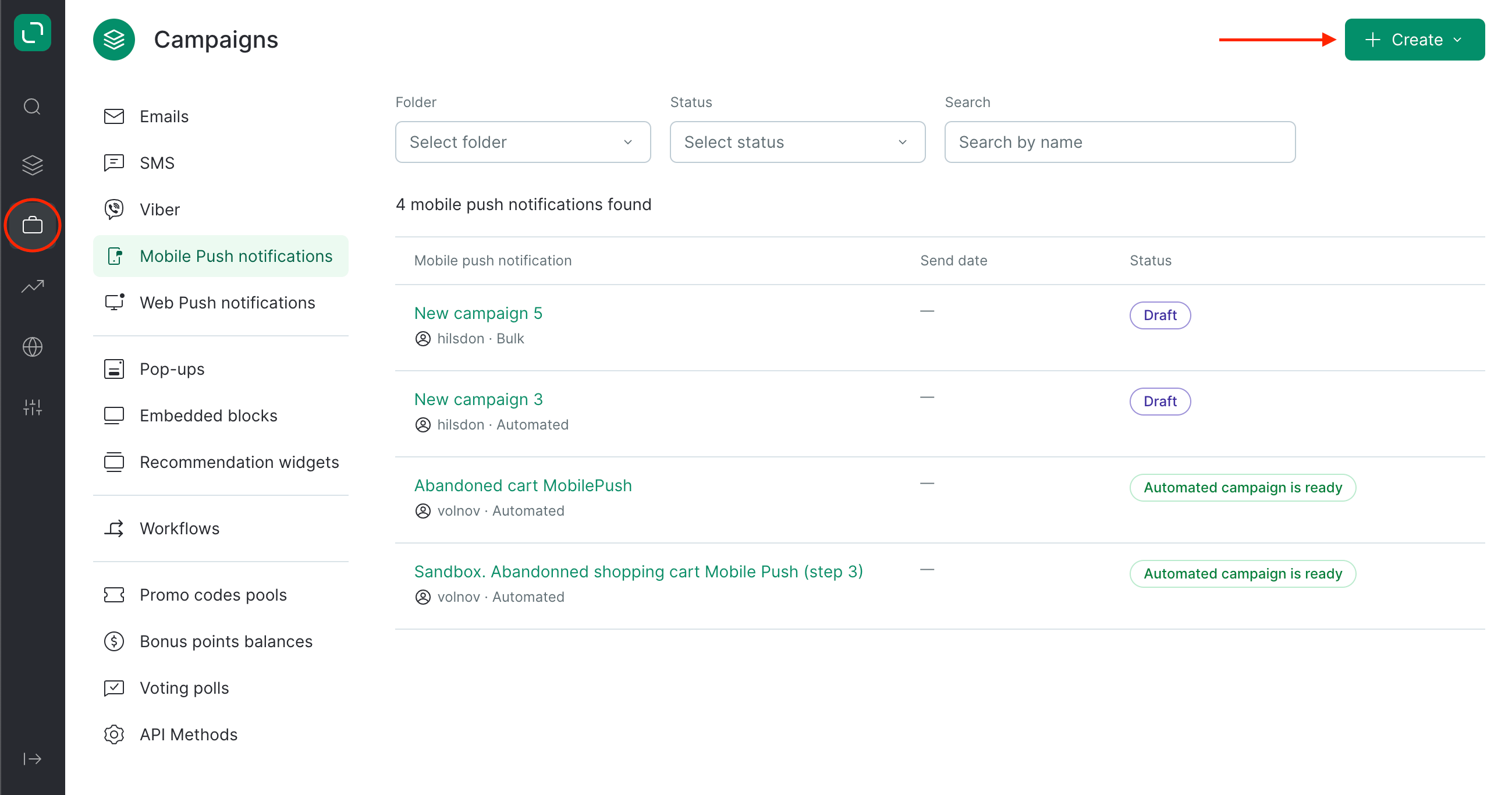
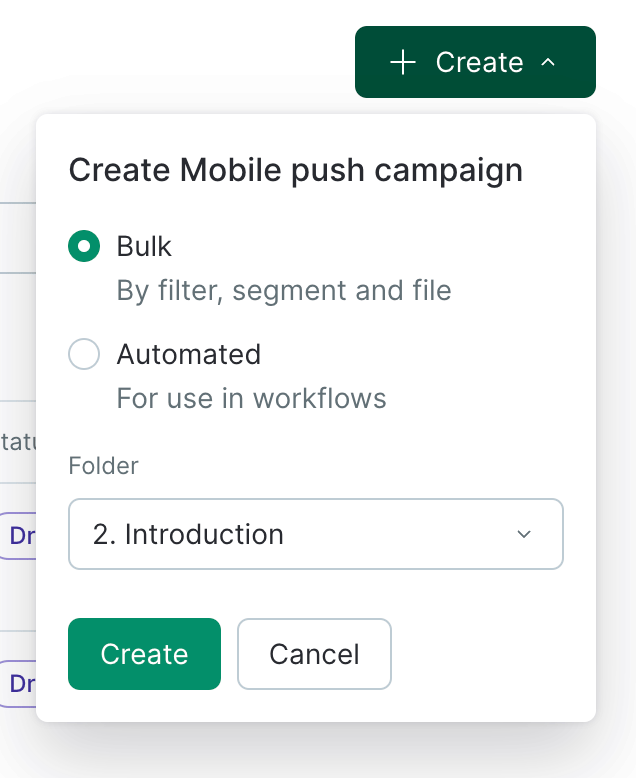
- Go to Campaigns and click Create:
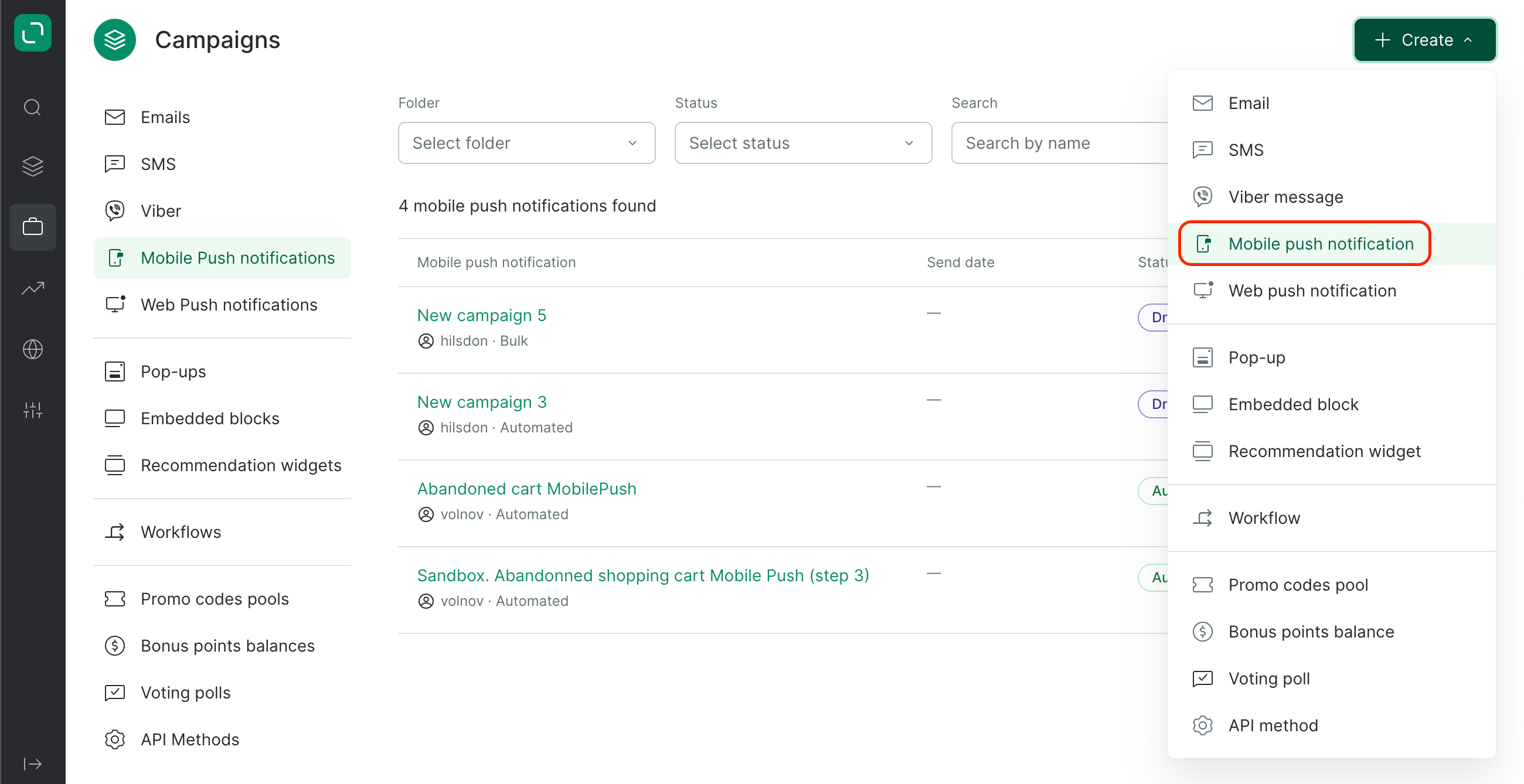
- Select the MobilePush channel:
- Select the bulk type and the folder in which your campaign will be created:
- Enter your campaign title and select a Topic if applicable:

- Select the Message profile — standard or manual. If you select manual, you can choose to disable the global control group.
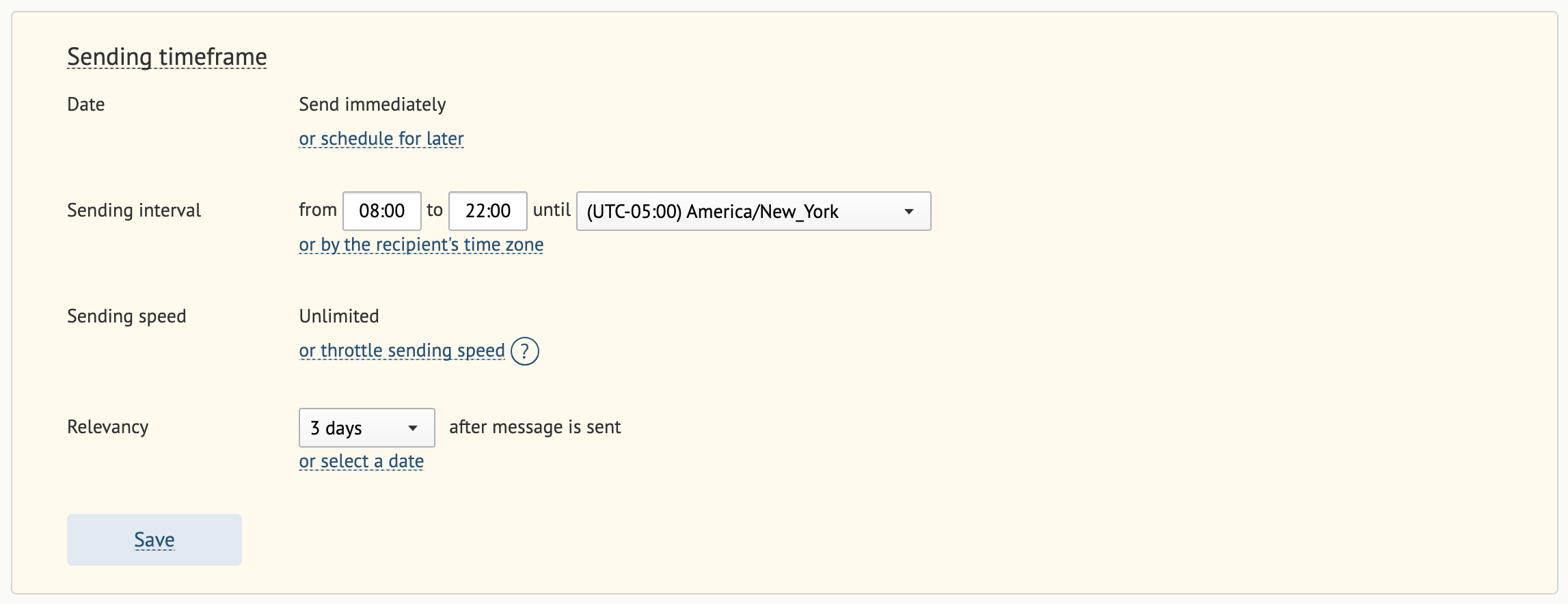
- Fill in the Sending timeframe fields.
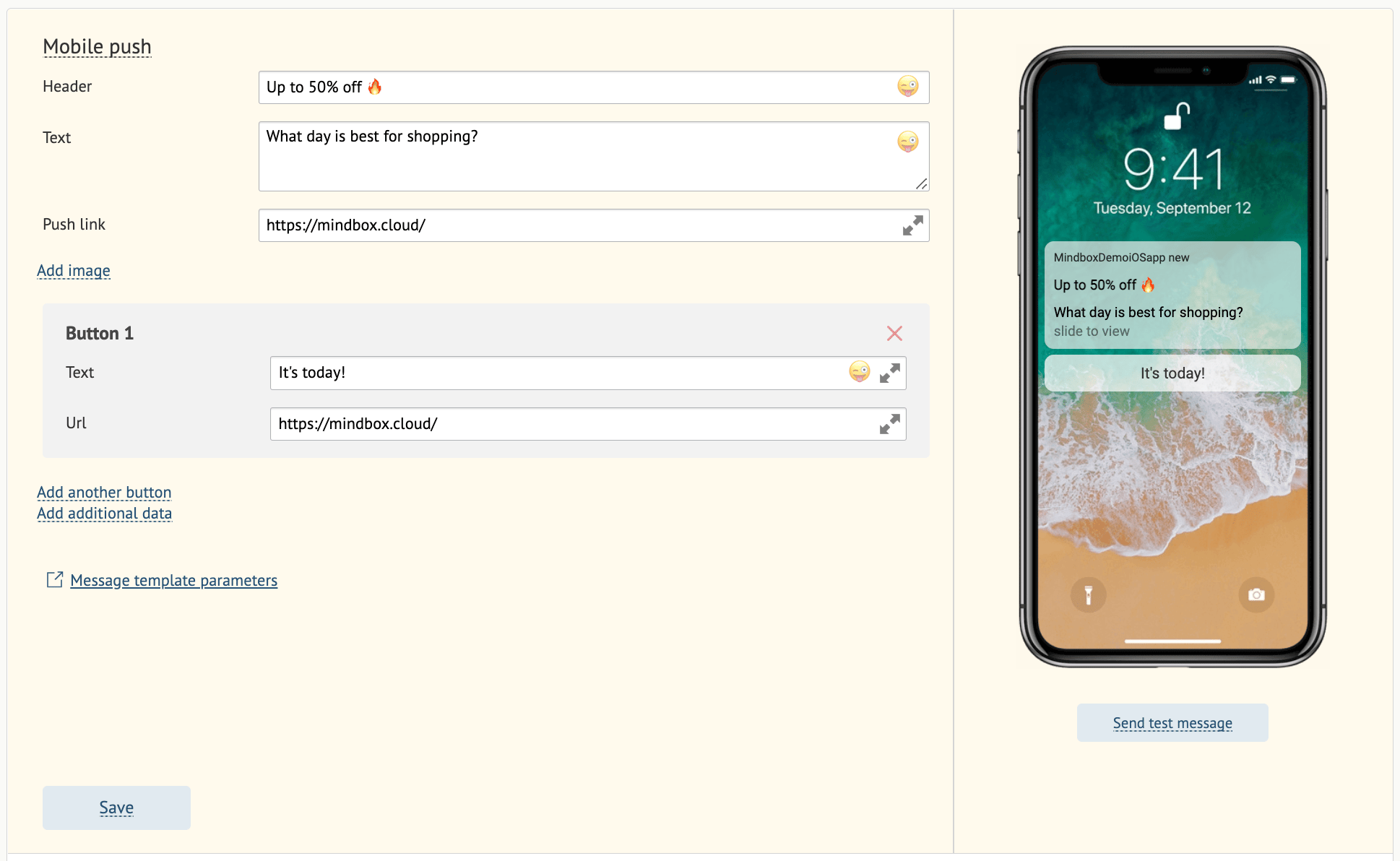
- Enter your push notification text and a clickable URL. Optionally, add a title, image, button, or any additional push components.
- There are 3 ways to specify campaign recipients:
- Using a customer segment,
- By creating a filter,
- By uploading a file for manual import. This works the same as in a bulk email campaign, but without creating new customers.
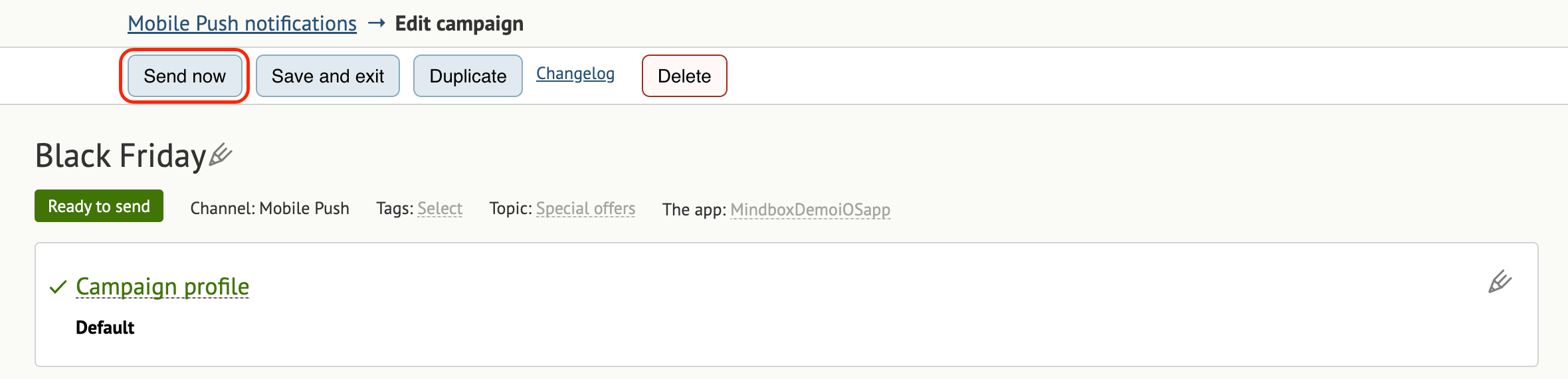
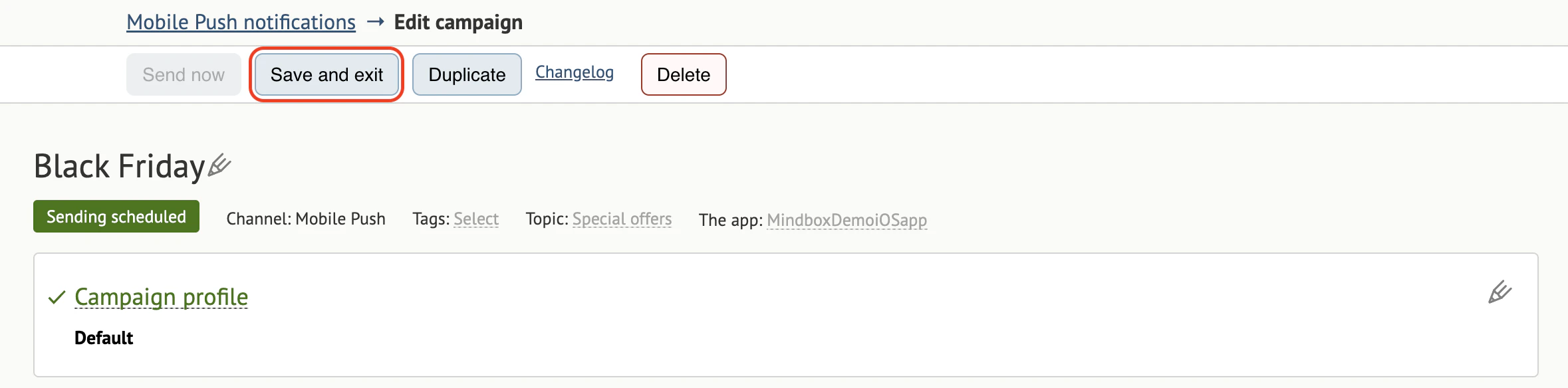
- Click Send now to launch your campaign immediately: