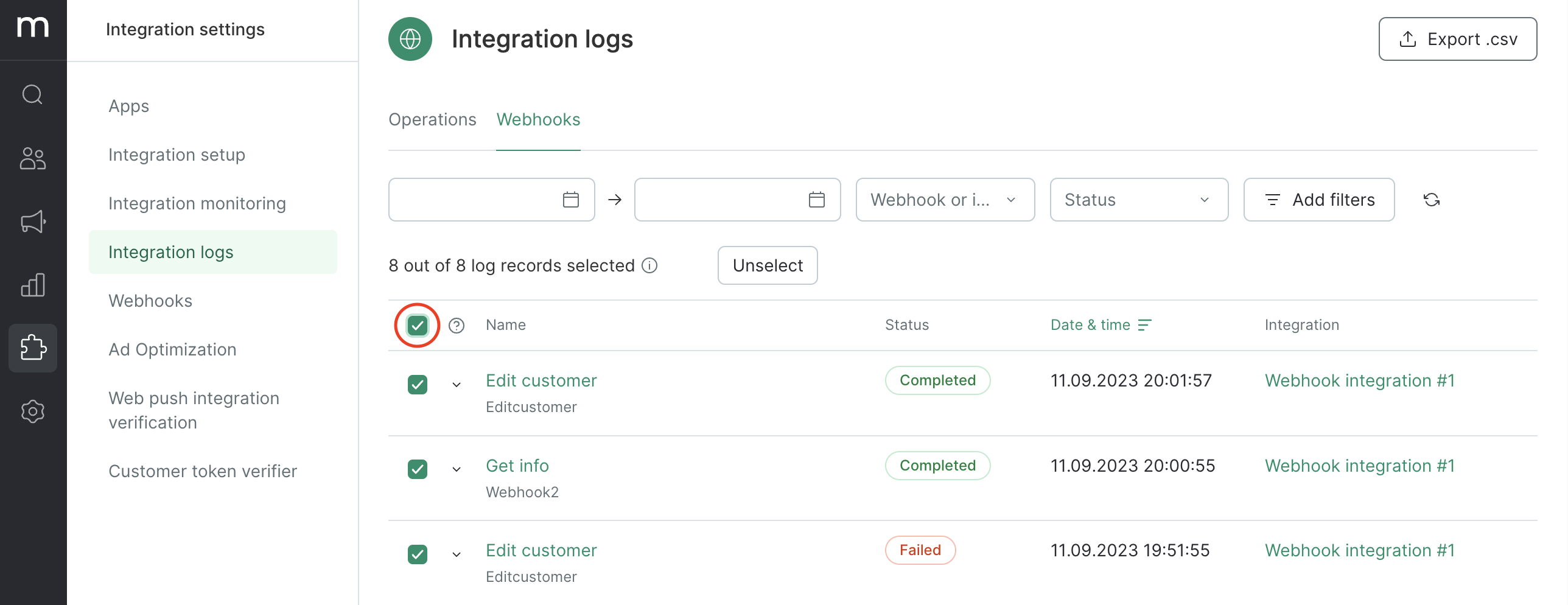
To find webhook logs for a particular customer or order, follow these steps:
- Filter the log selection to ensure accuracy, then upload all the found requests.
- You can upload the resulting CSV file to a table editor and use the in-built features to filter and group lines.
- a method and URL request;
- headings and a request body;
- headings and a response body;
- log ID;
- the flow node where the webhook was requested;
- the link to this request (including any repeat requests).
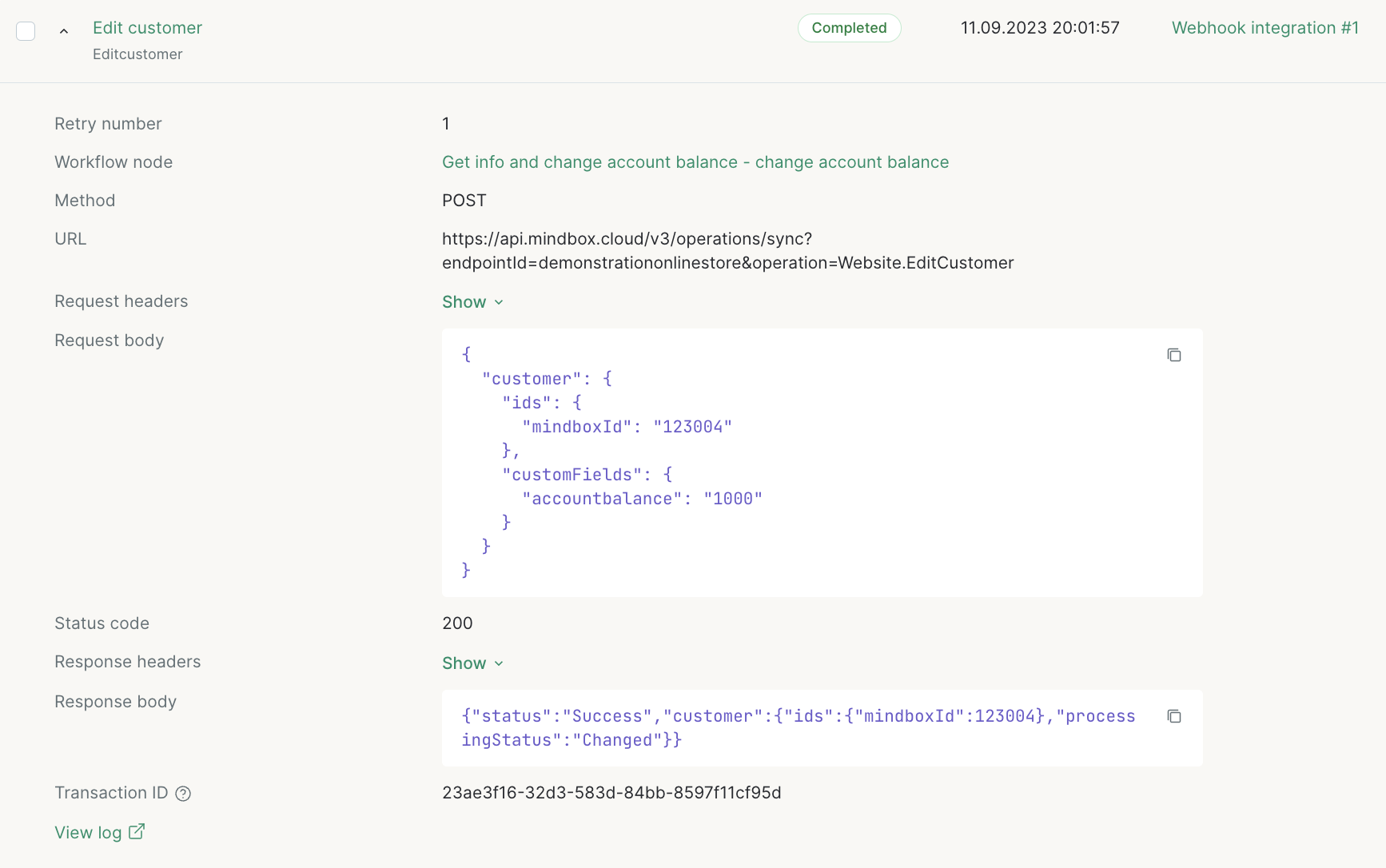
Why may a webhook log be missing headings and a response body?
The response time is 30 seconds. If the service fails to respond on time or there is a network error, the response will not be saved in the log.
How logs are exported
To export logs, select the required requests and click the Export button: