Documentation Index

Fetch the complete documentation index at: https://help.maestra.io/llms.txt

Use this file to discover all available pages before exploring further.

An action template is a name of a customer-related event. Some good examples are when the customer visits your website, opens an email, is imported into the database, or tagged for mailings. Action templates may be used in a wide range of situations. For example:
  • To tag customers at import. This will then allow you to filter customers in order to segment them.
  • To record an action resulting from running an API method on the web site. For example, a product view.
  • To set up a flow.

How to create an action template

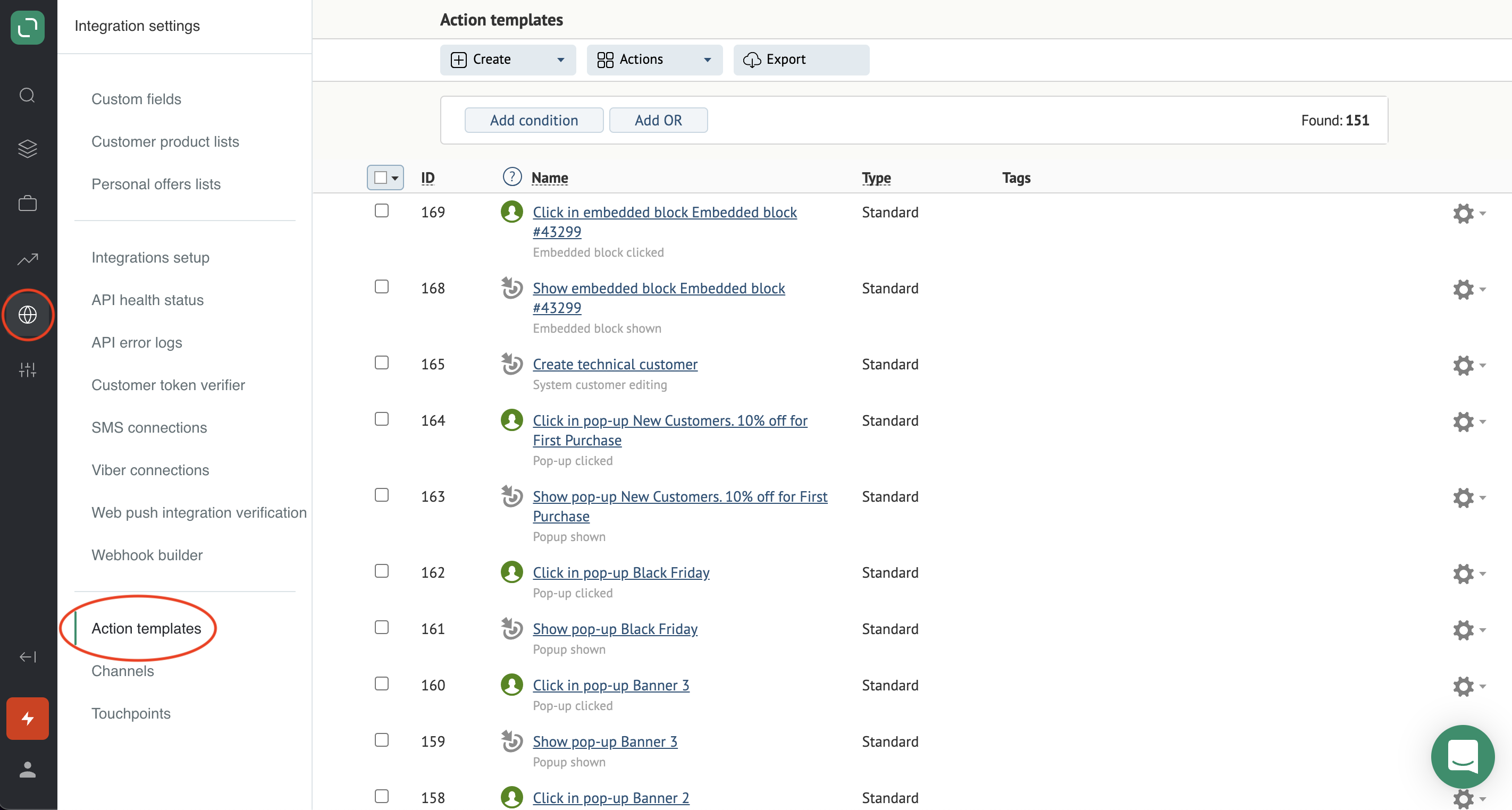
  1. Go to Integration settingsAction templates:
action_1
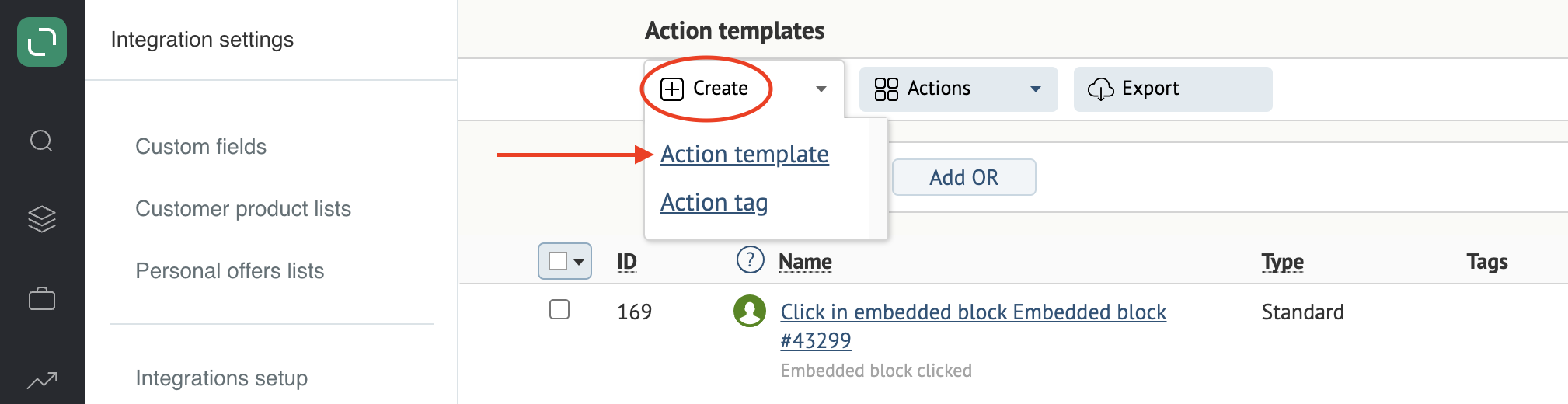
  1. Click Create and select Action template:
action_2
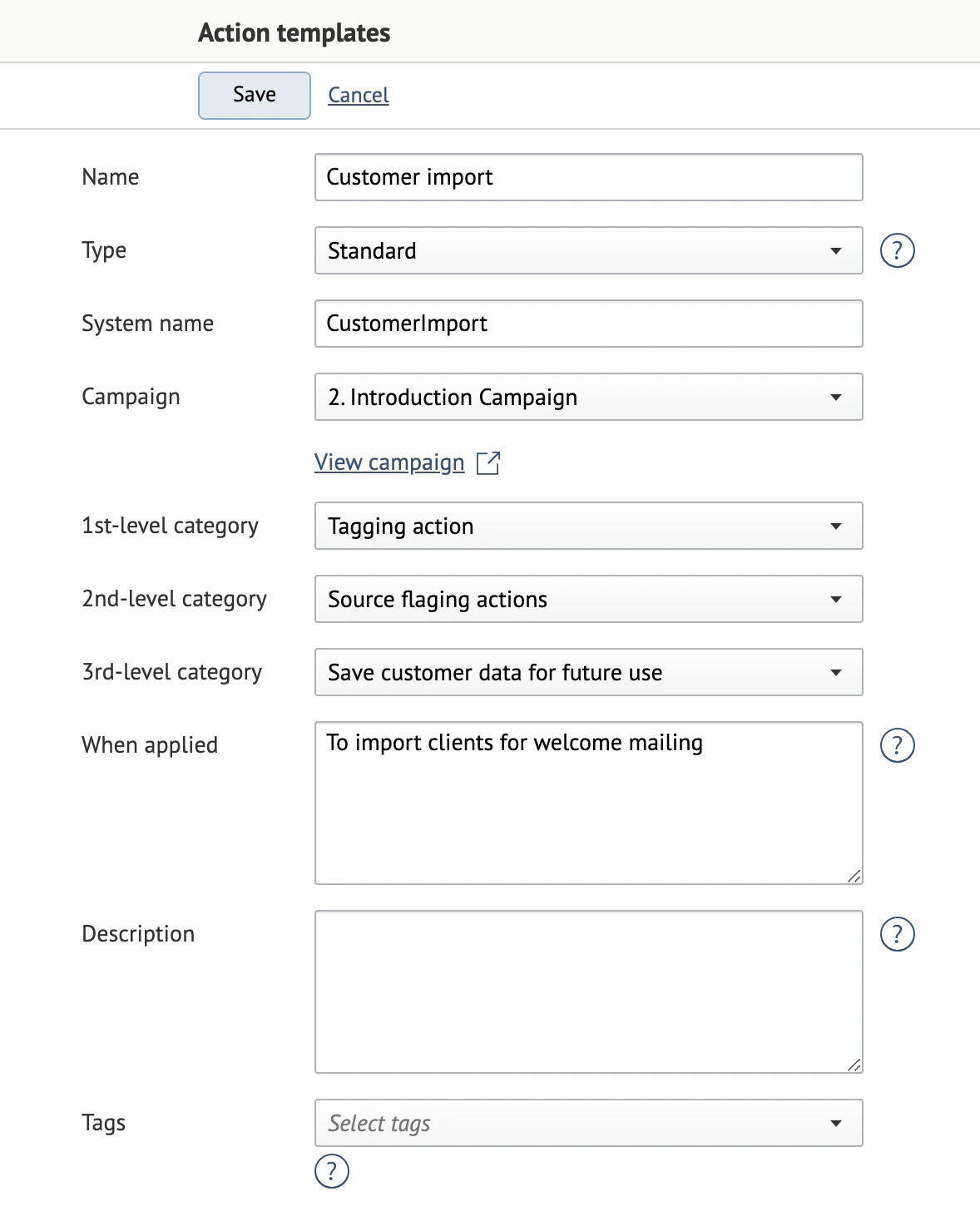
  1. Fill in the fields.
Example of a completed template: action_3 Name: the action name. This will be assigned to customers in the system. Type: the action type. The “Standard” type is used in most cases. Other types are used in action templates that were created automatically. System name: the name of the action template in the Maestra database. This is used for integrations. The system generates this name automatically. Campaign: the campaign where this template will be used. Applied to brands: the brand to apply the template to, provided that the project supports brands. Categories should be filled in based on the tasks your action template solves. For examples of filled-in Categories, please refer to articles linked on this page.
  1. 1st-level category — the overarching category:
  • Customer action: the actions that the customer performs;
  • System action: the actions that we initiate in the system;
  • Tagging action: for example, tagging customers.
  1. 2nd-level category: the drop-down list contents depend on what was chosen in the first-level category.
  2. 3rd-level category: the drop-down list contents depend on what was chosen in the second-level category.
When applied and Description are optional. Tags: can be used to group the action templates.
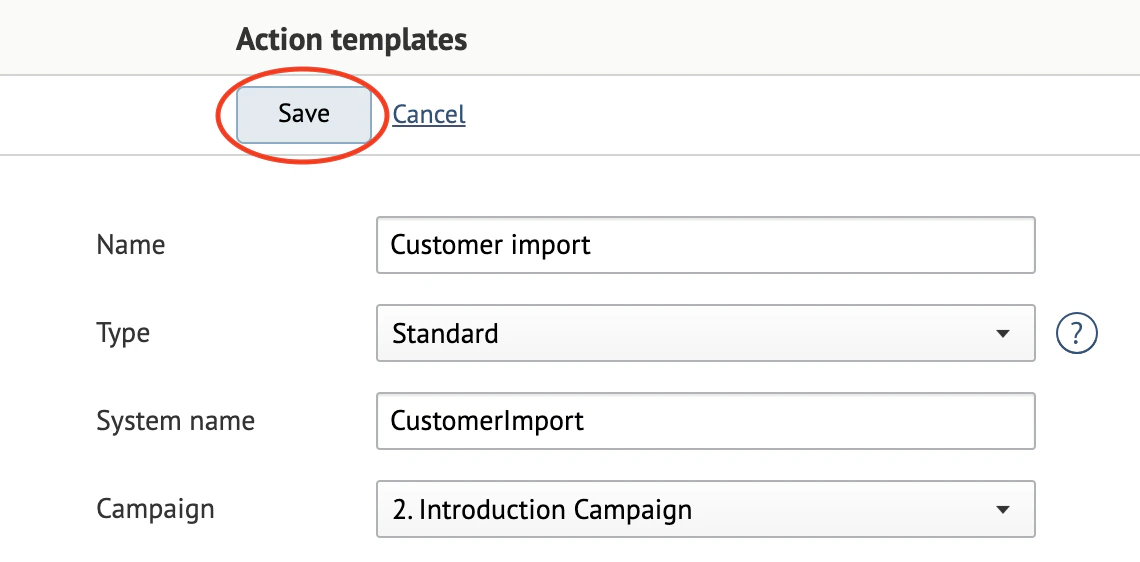
  1. Save your action template:
action_4