

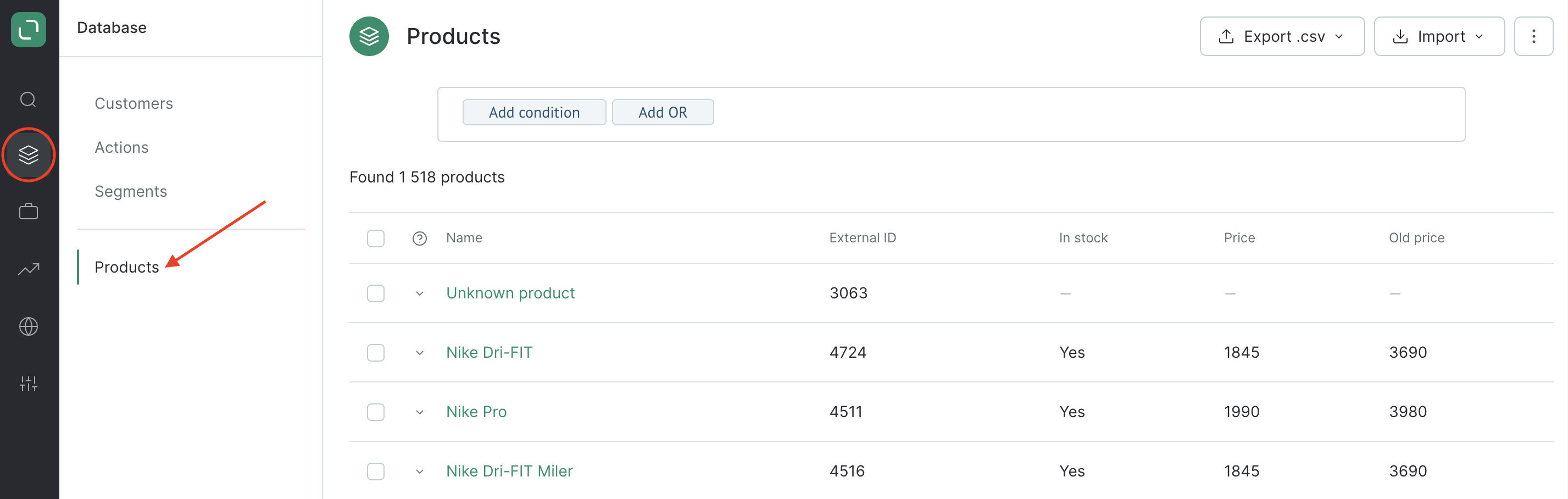
You can transfer details of product groups to Maestra. A product group is an overarching entity that encompasses individual products. For example, a specific sweatshirt model can be a product group, while all the available size options of this sweatshirt are separate products. So a size M sweatshirt and a size L sweatshirt are two different products within one parent product group. Every product uploaded to Maestra has an external ID from the external system. Maestra automatically generates its own internal ID for every product.
Products have default fields
- name;
- description (this may contain HTML layout elements — if it does, there must be escaped characters);
- stock availability;
- vendor;
- external group ID;
- external ID;
- price;
- old price;
- product page URL;
- image URL;
- shelf life;
- category.
The following customer actions can be linked to products
- Purchases
- Browsing
- Subscribing to price drop notifications
- Subscribing to back in stock notifications,
- Adding/deleting/changing a product in the user’s product list (in the Cart, Favorites, etc.)
- Product group browse
- Subscribing to price drop notifications for product groups
- Subscribing to back in stock notifications for a product group
- Adding/deleting/changing a product in the user’s product list (in the Cart, Favorites, etc.).
You can filter and find the following actions in the system
- Related to product: browse, add/delete/change a product or a product group in a product list.
- Related to product category: product category browse.
- Order: product purchase.
How to add products to the system
You have lots of options when it comes to uploading products to your Maestra project. You can choose to:- Manually add products via the UI;
- Import and update a product in real time;
- Transfer a CSV file using a POST request;
- Import a CSV file from an FTP server.