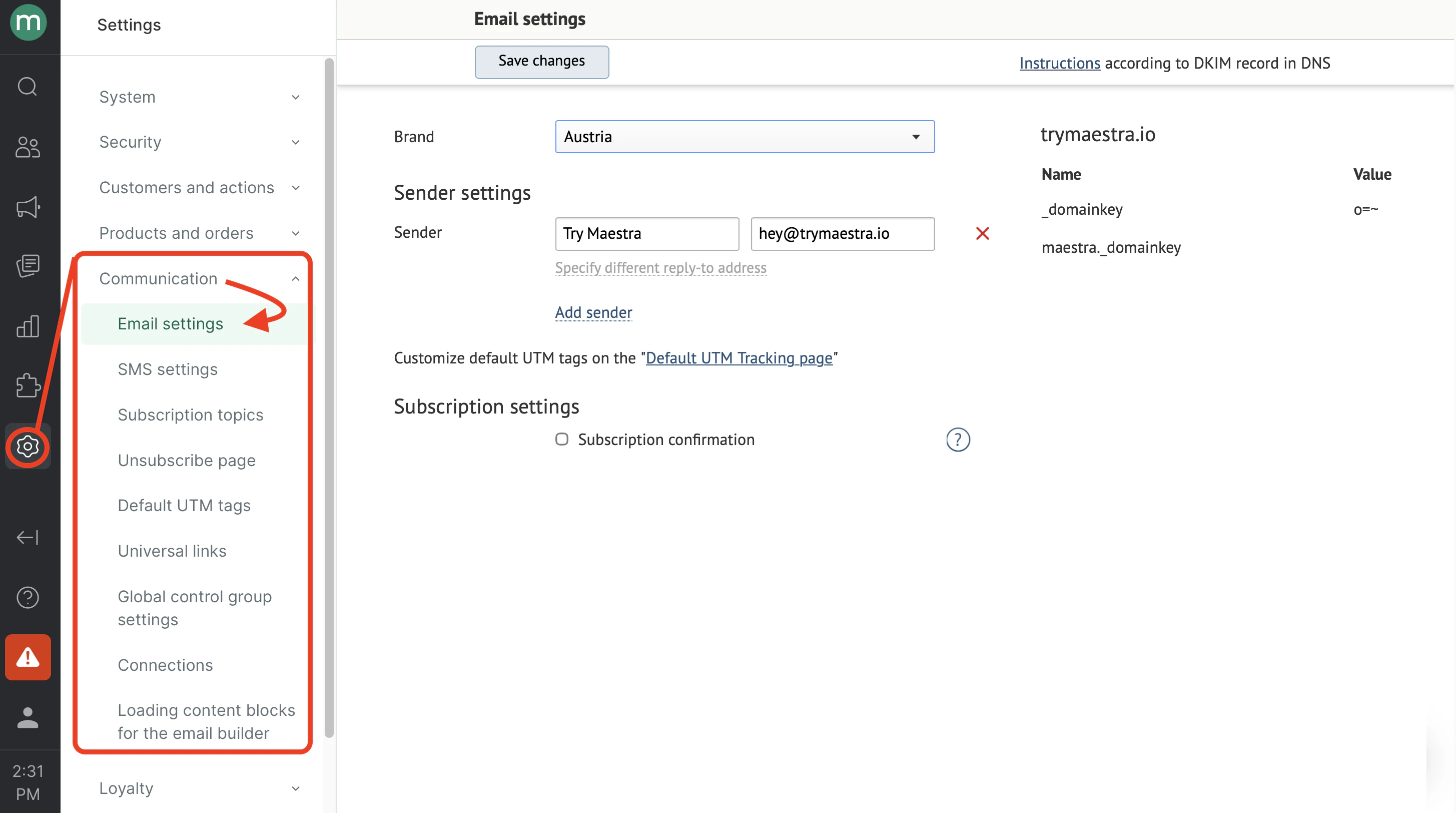
How to add a new sender
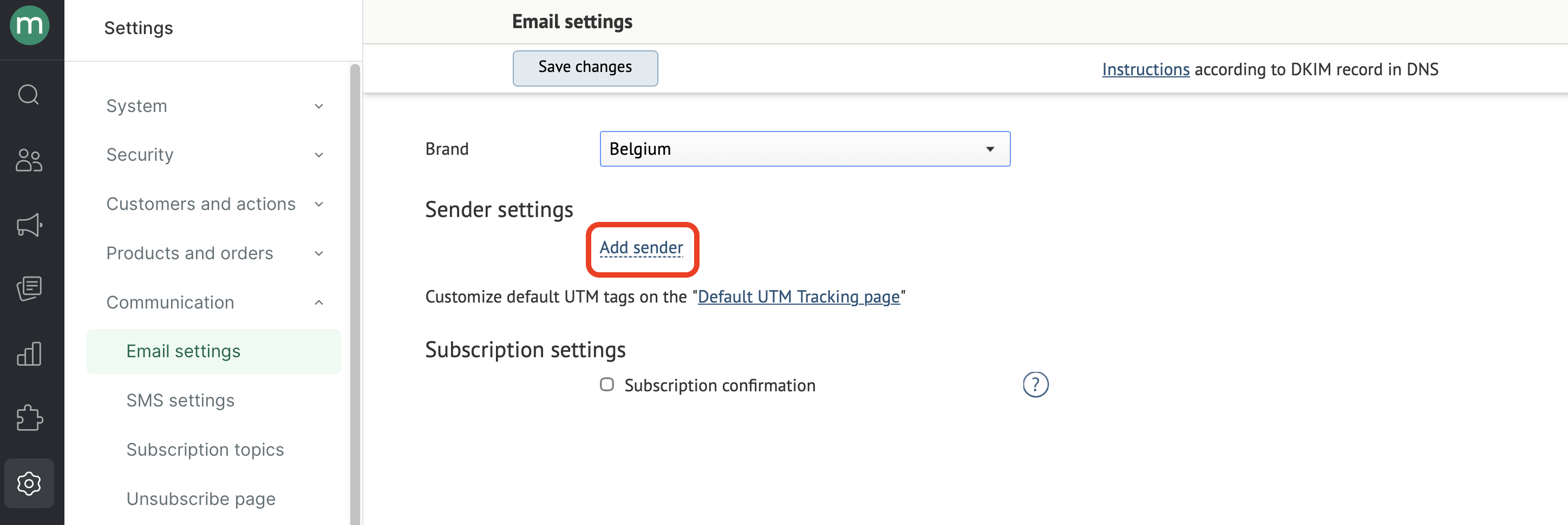
- Click Add sender:
- Fill in the fields and click Save changes:
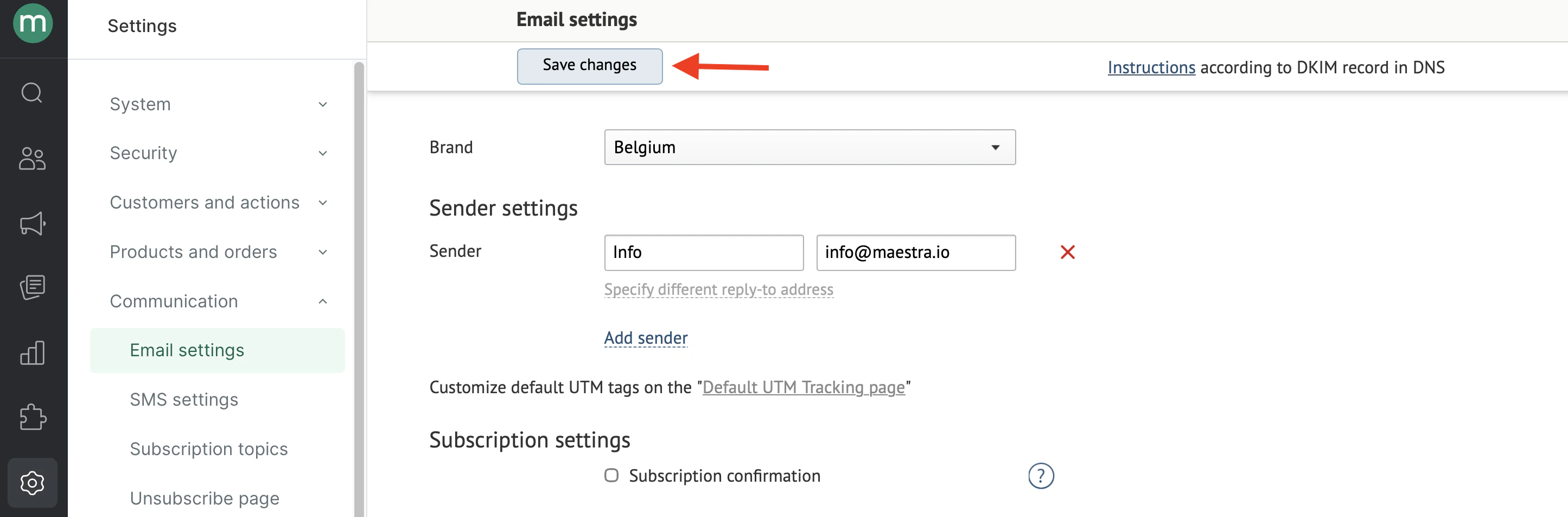
Set up individual DKIM & DMARC for each new sending domain or subdomain to ensure your emails are successfully delivered.
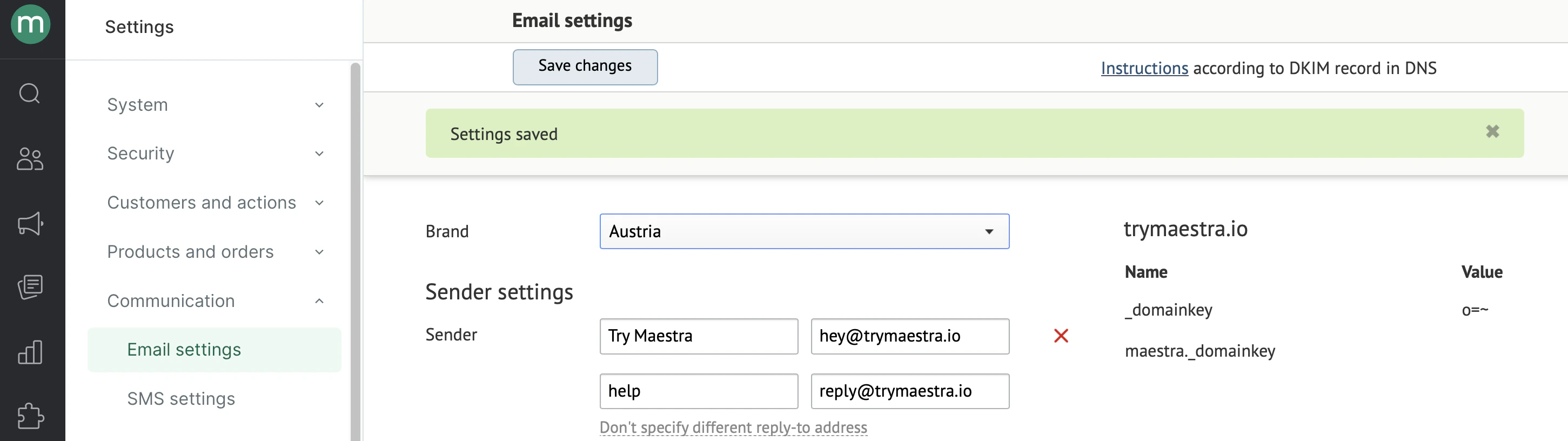
- If the settings are saved successfully, a message will pop up:

Supported formats
The email address must comply with RFC 5321. In less technical terms, it means that all emails must match the following template:How to add a different reply-to address for the sender
- Click Specify different reply-to address:
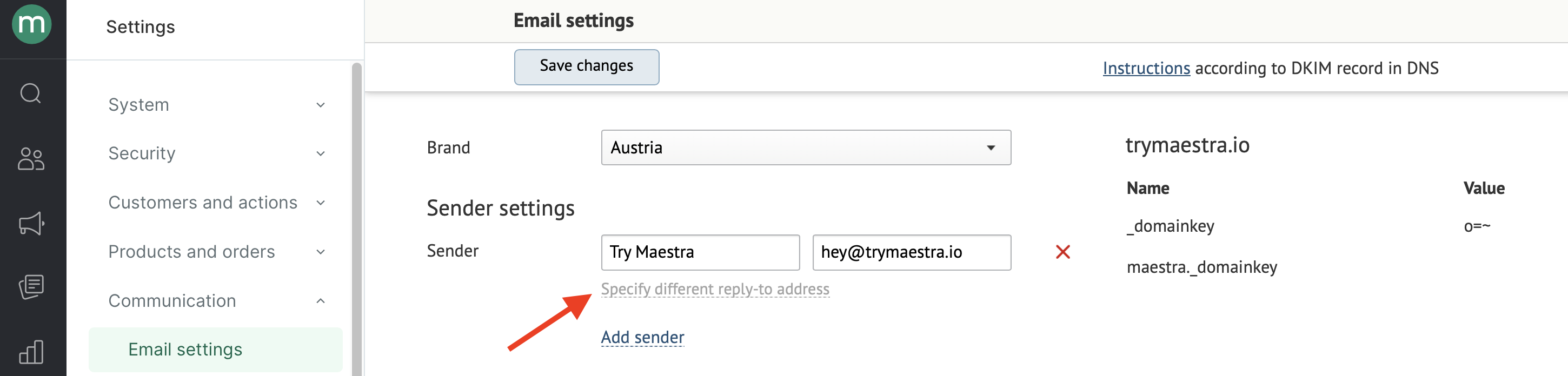
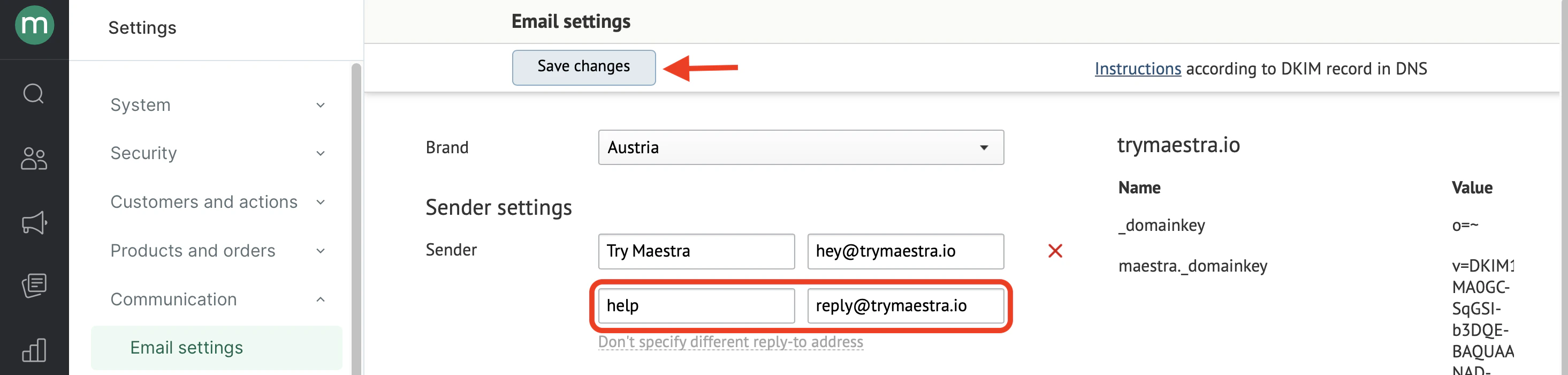
- Fill in the fields and click Save changes:
- If the settings are saved successfully, a message will pop up: