

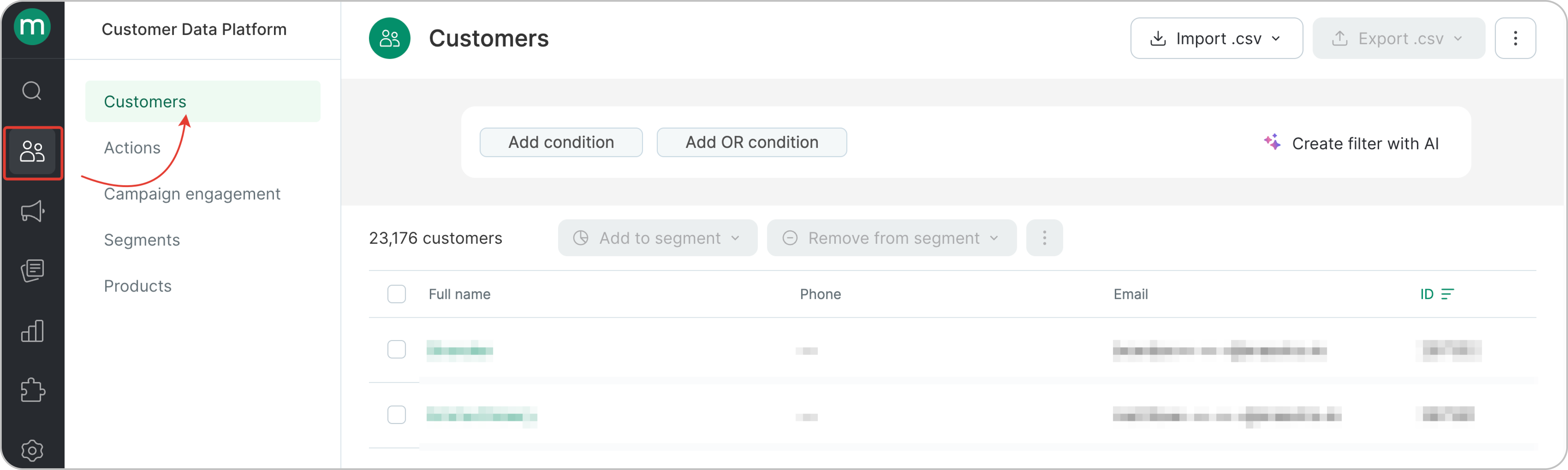
- Find customers with an order in a specific status. In the screenshot, we’re filtering orders with any of the following statuses: Placed / Paid / Delivered. You can apply the same logic or specify a particular status if needed.
.png?fit=max&auto=format&n=05-EV9YqA_RINTJ8&q=85&s=c32c03e6b0cd0dc0fdfae7ab29400b62)
Please note that the filter is based on the order’s latest status. For example, if an order goes through several statuses — Placed → Paid → Delivered — it will be considered as Delivered in the filter.If an order goes from Placed → Paid → Canceled, it will be considered as Canceled in the filter.
- Find customers who purchased a specific product with the order status Placed, Paid, or Delivered
.png?fit=max&auto=format&n=05-EV9YqA_RINTJ8&q=85&s=dd6d3c9dc1c68ec8d31c4ff2cb7c5d8c)
- Find customers who placed an order with the order status Placed, Paid, or Delivered in the last 6 months.
.png?fit=max&auto=format&n=05-EV9YqA_RINTJ8&q=85&s=5014ad93e3734899d7c570f786615cd2)
- Find customers with two or more orders with the order status Placed, Paid, or Delivered
.png?fit=max&auto=format&n=05-EV9YqA_RINTJ8&q=85&s=d5f3f982c95a05611202a19ef1c2e574)
- Find customers with order total spend of 200$ or more.
.png?fit=max&auto=format&n=05-EV9YqA_RINTJ8&q=85&s=98eacbc5f23886a1a26c38dcd2173056)
- Find customers with orders from a specific touchpoint with the order status Placed, Paid, or Delivered.
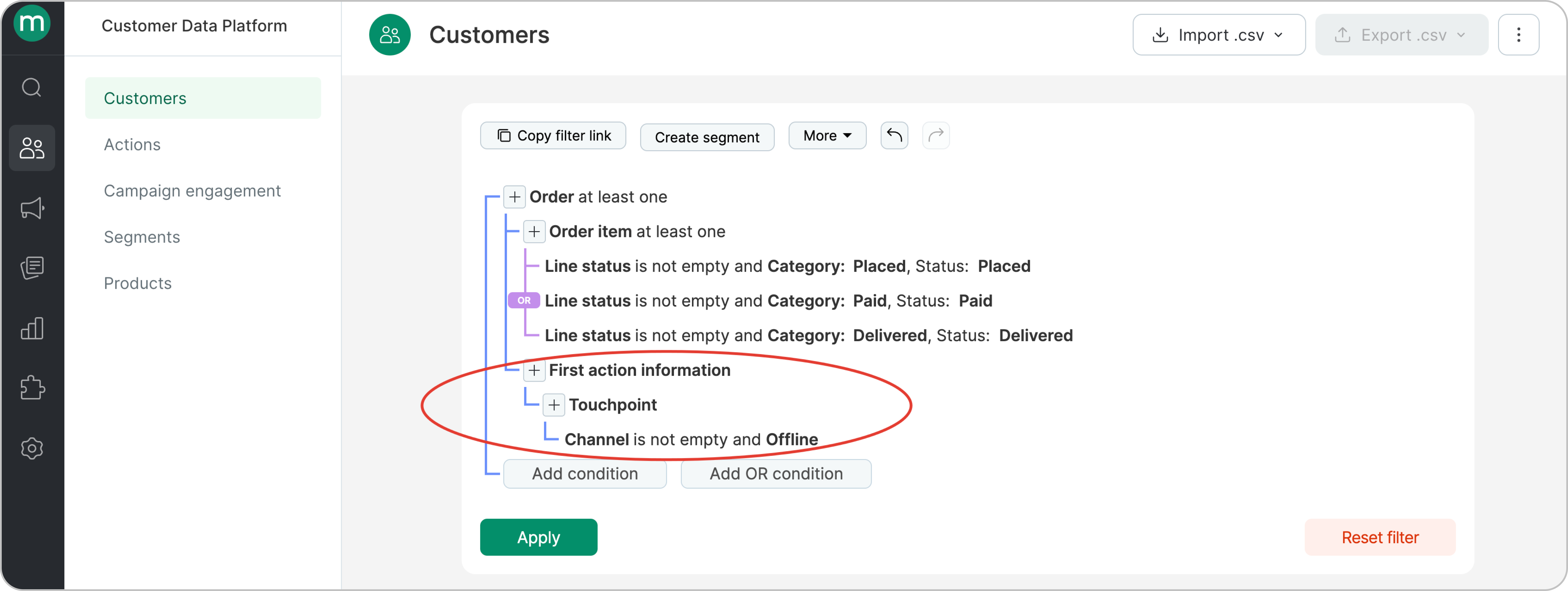
- Find customers with orders from a specific brand with the order status Placed, Paid, or Delivered
.png?fit=max&auto=format&n=05-EV9YqA_RINTJ8&q=85&s=fce83001b1f6f2d9715e158729f070cf)