

- Go to Customer Data Platform→ Actions.
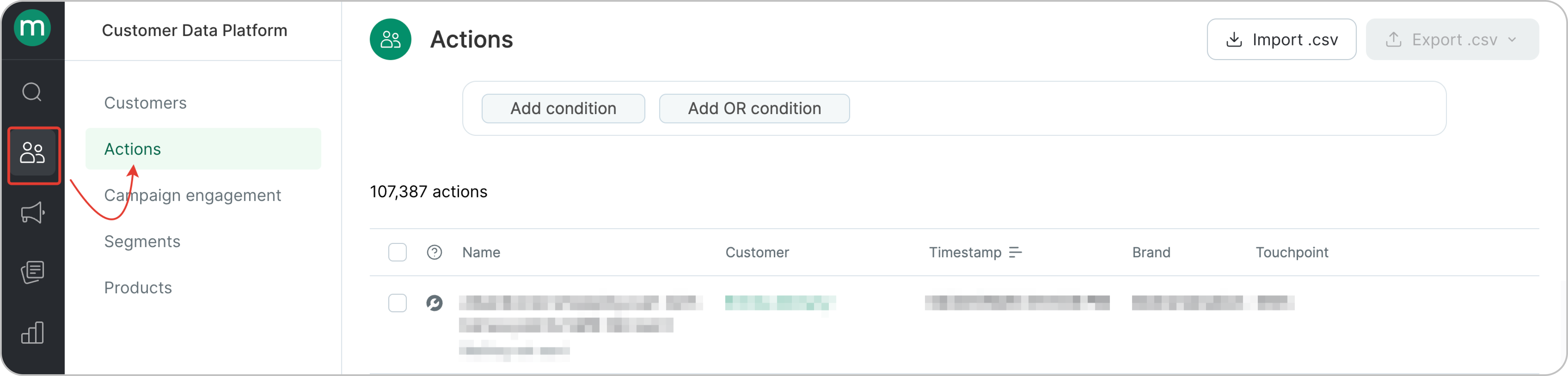
- The Actions page shows all actions from all customers. First, let’s filter order-related actions only. This filter shows all order actions.
.png?fit=max&auto=format&n=O0b_zyYQP7Y48mll&q=85&s=8b988b1a1489b933886a64721cf48367)
- To get an accurate order count, make sure you only count each order once. Orders can go through multiple statuses (Placed → Paid → Delivered), but you should filter by the first order action so you’re counting the order itself, not each status update.
.png?fit=max&auto=format&n=wm8oEjg6bFaQwCHC&q=85&s=158f868d196600a2452816518dfd3cc5)
- Select the required order statuses.
.png?fit=max&auto=format&n=wm8oEjg6bFaQwCHC&q=85&s=b110087c51dfa84e376c9a78f328cec8)
Use cases
Let’s take a look at how to find orders placed in January:.png?fit=max&auto=format&n=wm8oEjg6bFaQwCHC&q=85&s=621b4555ff11719acad2156932e78019)
.png?fit=max&auto=format&n=wm8oEjg6bFaQwCHC&q=85&s=5bd344164ee01affb9f14221c60b3f0e)